What is CloneCut AI?
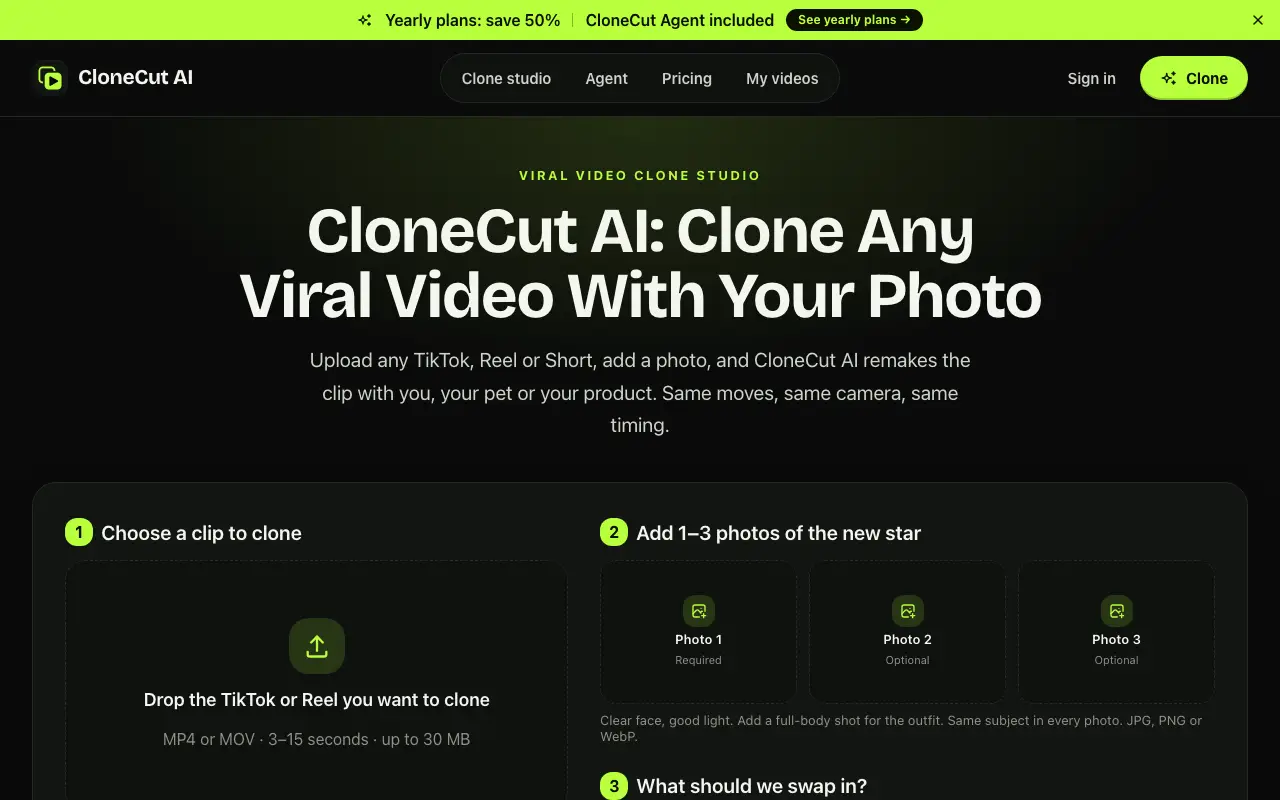
CloneCut AI is an independent video cloning studio that recreates viral video content. It uses a video-edit model to read every frame of a source clip, preserving the background, camera path, and timing while swapping in a new subject.
Users can transform existing trends by uploading a short video and one to three photos of a person, animal, or product. The tool works directly in any web browser and does not require writing text prompts or using a traditional editing timeline.
How CloneCut AI works
To use the tool, upload a viral video in MP4 or MOV format that is between 3 and 15 seconds long. Next, add one to three photos of the new subject, such as yourself, a pet, or a product, using different angles for better accuracy. The AI then processes the clip to swap the subject while keeping the original motion and sound, allowing you to download the finished MP4 in minutes.
Who should use CloneCut AI
This tool is designed for social media creators, pet owners, and digital marketers. Content creators can participate in trending dances or skits without learning complex editing, while pet owners can put their animals into popular clips. Marketers can also use it to create user-generated content style ads by swapping products into successful video formats.
Our take
CloneCut AI offers a highly efficient way to participate in social media trends without manual video editing or prompting. Its ability to maintain consistent lighting and camera movement from the original clip is a significant advantage for quick content creation. However, the tool is limited to short video clips of up to 15 seconds and requires a credit-based system with no free tier available.
CloneCut AI key features
- Maintains original motion, camera moves, and timing
- Supports subject swapping for people, pets, or products
- Processes video in Standard 720p or HD 1080p
- Accepts MP4 and MOV file formats
- Allows one extra change via plain text instructions
- Works in any web browser without software installation
Who CloneCut AI is for
CloneCut AI pros and cons
Pros
- No prompt writing or editing timeline required
- Preserves original lighting and background accurately
- Fast processing for short video clips
Cons
- No free credits or trial available
- Limited to video lengths of 15 seconds or less
- Plan credits do not roll over to the next month
CloneCut AI pricing
Paid, paid plans from $9.90. Users can purchase one-time credit packs or subscribe to monthly/yearly plans.
Prices last checked November 23, 2026. Always confirm on the official CloneCut AI website.
CloneCut AI FAQ
Is CloneCut AI free?
No, there are no free credits available.
What is CloneCut AI used for?
It is used to recast viral videos by swapping the person, pet, or product with a new subject from photos.
How long can my video be?
Videos must be between 3 and 15 seconds long.
What video formats are supported?
The tool supports MP4 and MOV formats.