
What is Let's Enhance?
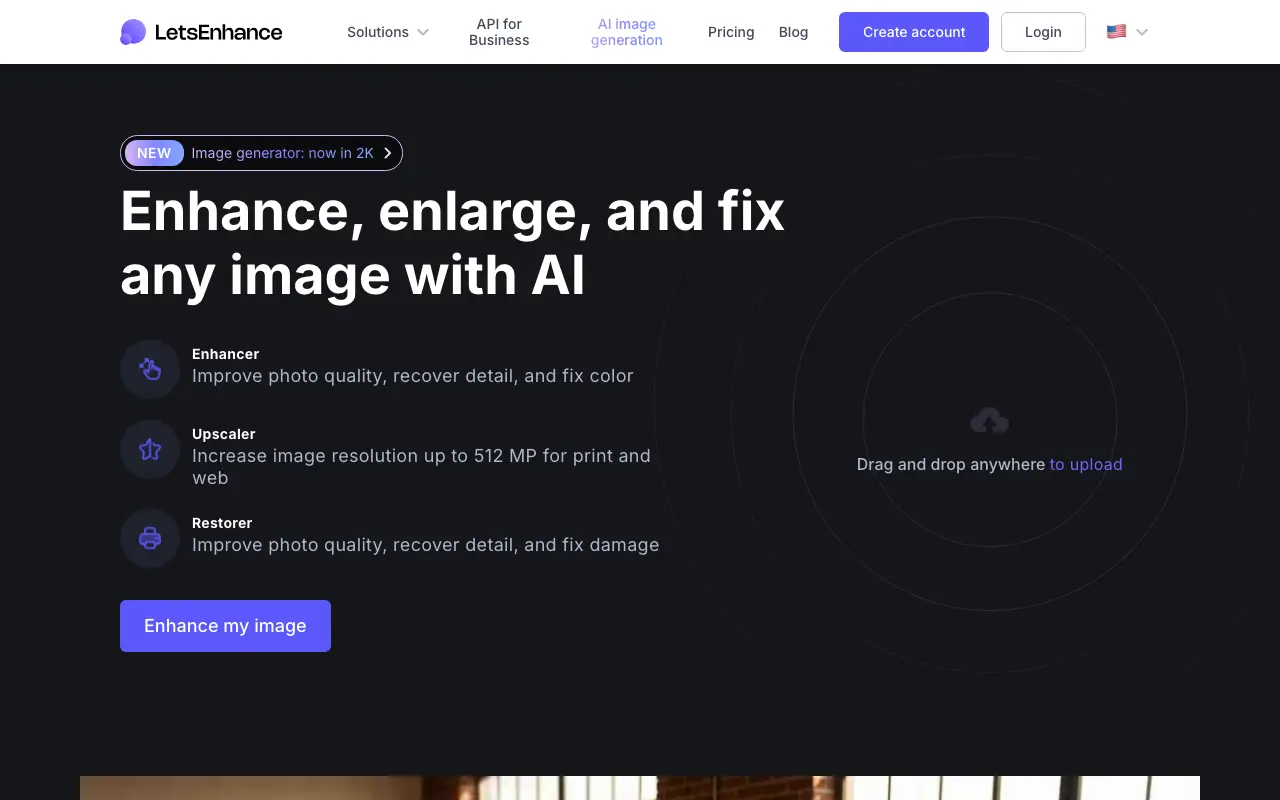
Let's Enhance is an AI-driven image processing platform designed to improve photo quality and resolution. It uses artificial intelligence to upscale images, recover lost details, and correct lighting or color issues without the artificial look of standard filters.
The tool provides specific modes for different needs, such as a Prime mode for general textures and a Gentle mode for preserving fine text. It also includes specialized tools for restoring old photos and cleaning up AI-generated art from models like Midjourney or DALL-E.
How Let's Enhance works
Users begin by uploading a JPG, PNG, or WebP file through a drag-and-drop interface. After uploading, the user selects an enhancement type, such as upscaling for size, sharpening to fix blur, or using the Old Photo mode for restoration. Once the AI processes the image, the user can download the high-resolution result, which is free of watermarks on paid plans.
Who should use Let's Enhance
This tool is built for photographers, digital artists, and print-on-demand sellers who need high-resolution files for large-scale printing. It is also useful for eCommerce teams looking to automate product catalog improvements and for creators who need to upscale AI-generated artwork to 4K or 8K resolutions.
Our take
Let's Enhance offers impressive technical capabilities, particularly its ability to upscale images up to 512 megapixels for professional print work. The variety of specialized modes helps maintain natural-looking details rather than over-processed results. However, the credit-based system means users must carefully manage their monthly allowance, as one image processed equals one credit.
Let's Enhance key features
- Upscale images up to 512 megapixels for print and web
- AI image generation with 2K output capability
- Automated background removal for product photography
- Restoration tools to fix old or damaged photos
- Image-to-video animation features
- API access for business automation
- Bulk editing for up to 20 images at once
Who Let's Enhance is for
Let's Enhance pros and cons
Pros
- High resolution upscaling up to 512 megapixels
- Natural-looking results that avoid plastic skin effects
- Unused credits roll over on personal subscription plans
Cons
- Watermarks are present on the free plan
- Credit-based system limits the number of processed images per month
Let's Enhance pricing
Freemium, paid plans from $9/month. Subscriptions use a credit system where one processed image equals one credit.
Prices last checked November 23, 2026. Always confirm on the official Let's Enhance website.
Let's Enhance FAQ
Is Let's Enhance free?
Yes, there is a free plan that provides 10 credits upon signing up with no credit card required.
What is Let's Enhance used for?
It is used to upscale, sharpen, restore, and enhance the quality of digital images and AI art.
Do unused credits roll over?
Unused credits roll over to the next month as long as you remain a subscriber on personal plans.
Can I use Let's Enhance for business automation?
Yes, the platform offers an API for businesses to automate image enhancement.