
What is QuillBot?
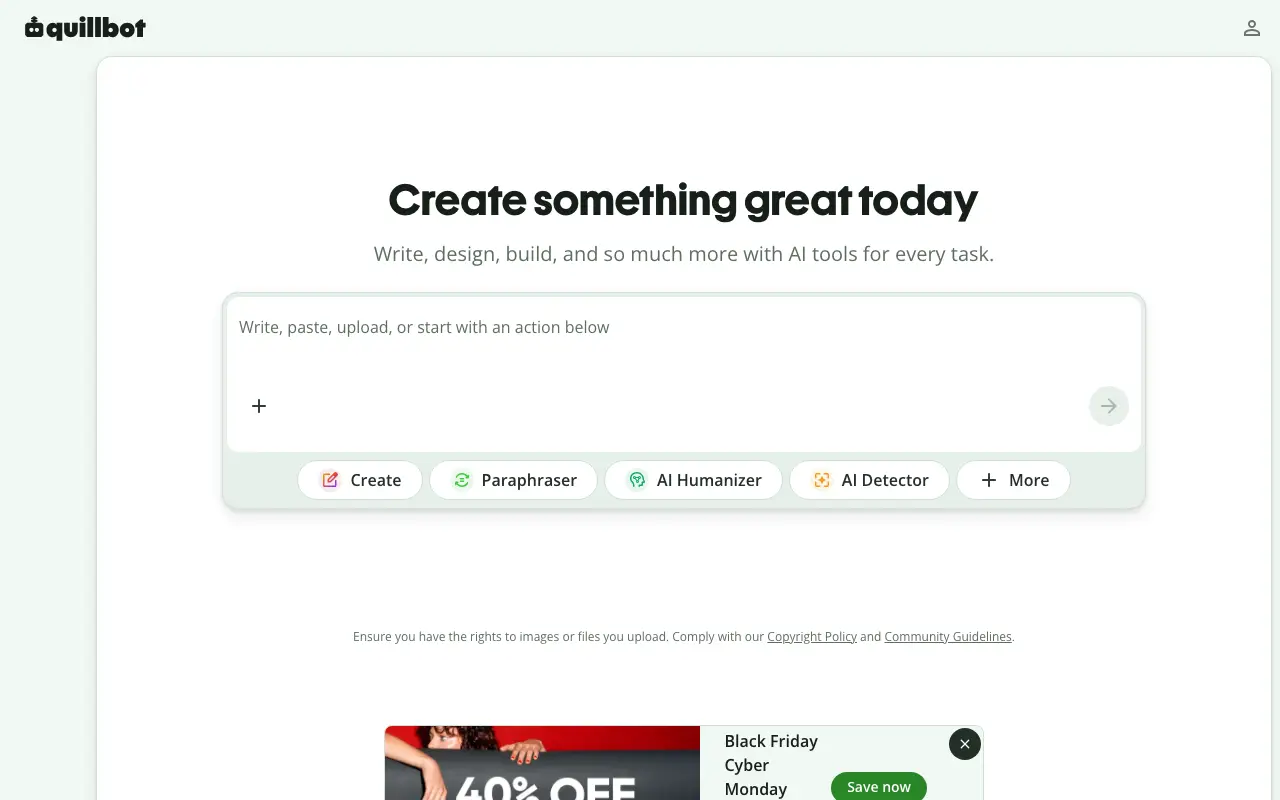
QuillBot is an AI-driven workspace that offers tools for writing, designing, and creating content. It includes a suite of utilities for language correction, originality checking, and visual generation. The platform aims to help users refine their communication and build professional documents or presentations.
Beyond text editing, the platform provides image tools and PDF management capabilities. Users can interact with an AI chat to brainstorm ideas or use specialized generators for social media posts and cover letters. It is designed to integrate into existing workflows through various browser extensions and desktop applications.
How QuillBot works
Users can start by typing, pasting, or uploading text and files directly into the workspace. For writing tasks, the AI provides suggestions for paraphrasing, grammar fixes, or summarization. For visual tasks, users can enter text prompts to generate images or use the presentation maker to build slide decks. The platform also supports file conversions for Word, PDF, Excel, and PowerPoint formats.
QuillBot key features
- Paraphrasing tool to rewrite text instantly
- Grammar checker to fix spelling and punctuation
- AI detector to identify AI-written content
- Plagiarism checker to ensure originality
- AI image generator from text prompts
- AI presentation maker for building slide decks
- PDF editor and converter tools
Who QuillBot is for
QuillBot pros and cons
Pros
- Wide variety of writing and design tools in one place
- Available as extensions for Chrome, Edge, and Safari
- Supports multiple file formats including PDF and Word
Cons
- Large feature set may be overwhelming for simple tasks
- Requires internet connectivity for most AI functions
QuillBot pricing
Freemium. The platform offers a free sign-up option and a Premium plan.
Prices last checked November 24, 2026. Always confirm on the official QuillBot website.
QuillBot FAQ
Is QuillBot free?
Yes, you can sign up and start using QuillBot for free.
What is QuillBot used for?
It is used for paraphrasing, grammar checking, summarizing, generating images, and creating presentations.
Does QuillBot have a mobile app?
Yes, QuillBot is available on both iOS and Android devices.
Can I use QuillBot in Microsoft Word?
Yes, there is a QuillBot add-in available for Word.