
What is Cline?
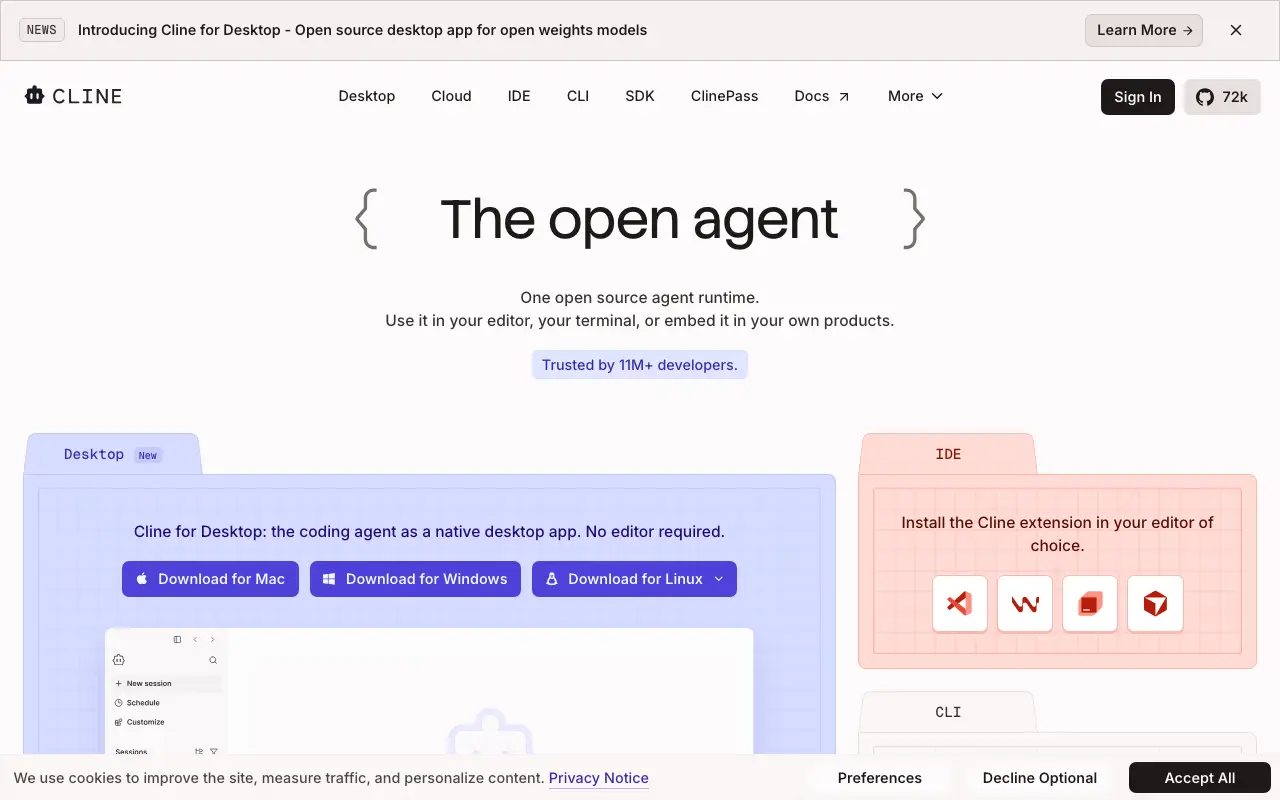
Cline is an open-source AI coding agent designed to function across multiple environments, including IDEs, command-line interfaces, and desktop applications. It operates using a Plan-and-Act workflow, allowing users to first align on a strategy before executing changes. The tool is built to avoid vendor lock-in by supporting a wide range of AI models and endpoints.
Users can interact with Cline through extensions in editors like Visual Studio Code, Windsurf, JetBrains, and Cursor. It also offers a dedicated desktop application, a CLI for terminal-based workflows, and an SDK for developers who want to embed the agent runtime into their own products. This flexibility makes it a versatile tool for different development setups.
Cline key features
- Plan and Act modes for strategic execution
- Multi-file edits with linter-aware fixes and diffs
- Terminal integration to run bash commands and tests
- Support for any OpenAI-compatible endpoint
- MCP integration to connect to databases and APIs
- Custom rules via .clinerules files
- Multi-agent coordination for specialized tasks
Who Cline is for
Cline pros and cons
Pros
- Open source with no vendor lock-in
- Supports local models and various AI providers
- Flexible deployment via IDE, CLI, or SDK
Cons
- Inference costs are managed by the user
- Advanced management features require an Enterprise plan
Cline pricing
Freemium. The tool is free for individuals, but users pay for AI inference on a usage basis.
Prices last checked November 24, 2026. Always confirm on the official Cline website.
Cline FAQ
Is Cline free?
Yes, the open source extension is free for individual developers, though you must pay for AI inference usage.
What is Cline used for?
It is used for understanding codebases, refactoring code, and automating development workflows.
Can I use my own API keys?
Yes, you can bring your own keys from providers like OpenAI, Anthropic, and Google.
Does Cline support local models?
Yes, it supports local models through tools like Ollama and LM Studio.