
What is Descript?
Descript is an AI-powered video and audio editor designed to simplify the post-production process. Instead of using a traditional timeline, users can edit their media by interacting with a text transcript. When you delete or move words in the transcript, the corresponding video and audio segments are automatically adjusted.
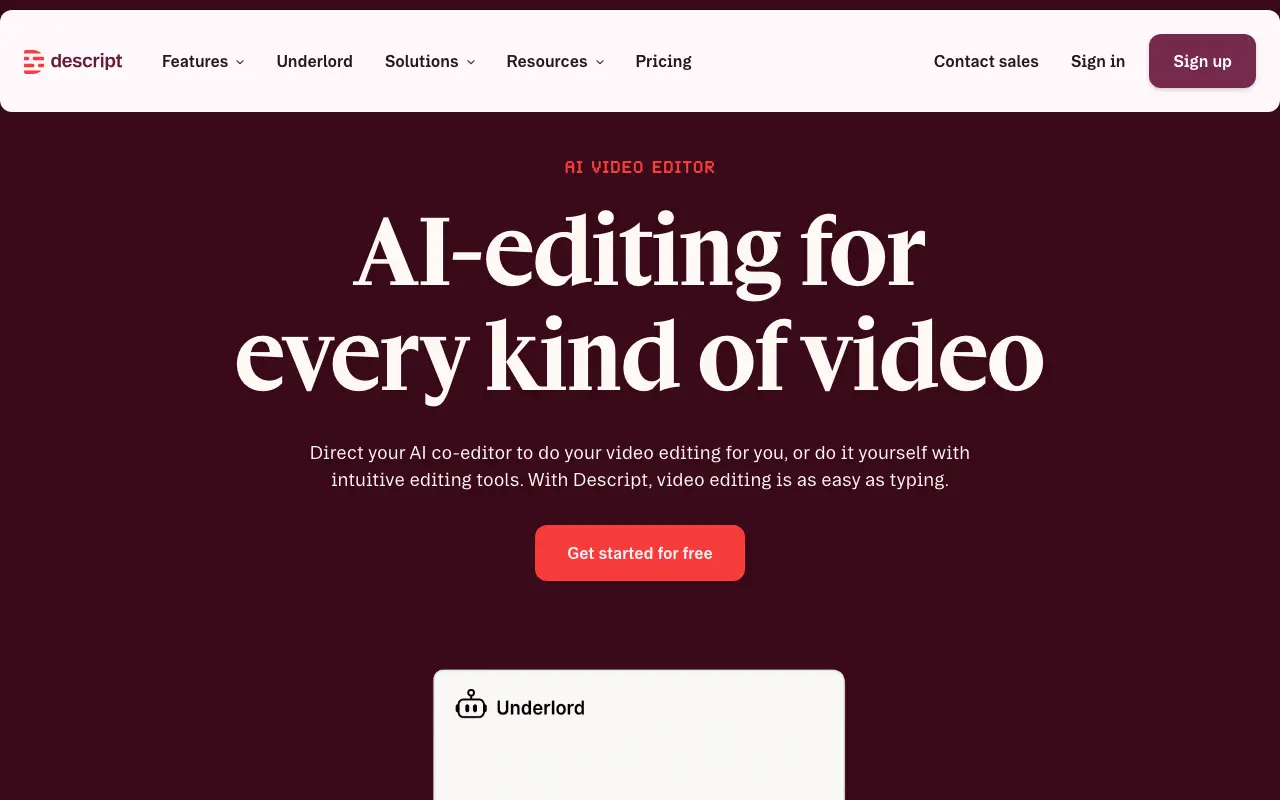
In addition to text-based editing, the platform includes an AI co-editor called Underlord. This assistant can automate tasks such as removing filler words, cleaning up background noise, and creating social media clips. It serves as a centralized workspace for recording, refining, and publishing content.
How Descript works
The workflow begins by importing existing footage or recording directly within the app via remote recording or screen capture. Descript immediately generates a transcript of the media. Users then edit the video by cutting, copying, or pasting text within the transcript, which syncs with the media timeline. Finally, users can apply AI enhancements like Studio Sound, add captions, and export the finished project to various platforms.
Who should use Descript
Descript is built for content creators, podcasters, marketing teams, and educators. It is suitable for individuals who want to produce high-quality video and audio without deep technical expertise in traditional editing software. It also supports enterprise teams requiring advanced security, brand controls, and collaborative workflows.
Our take
Descript offers a highly intuitive way to edit media that feels more like working in a document than a complex video editor. The ability to remove filler words and improve audio quality with one click is a significant time-saver. However, users may find that the reliance on AI transcription and text-based editing requires careful monitoring to ensure perfect synchronization in complex projects.
Descript key features
- Text-based video and audio editing
- AI-powered Studio Sound for audio enhancement
- Automatic filler word and retake removal
- Underlord AI video co-editor
- Video translation into dozens of languages
- Automatic caption generation and YouTube descriptions
- AI-generated video, images, and music
Who Descript is for
Descript pros and cons
Pros
- Intuitive text-based editing workflow
- Powerful AI audio cleanup tools
- Streamlined social media repurposing
Cons
- AI-generated content requires manual oversight
- Advanced features require higher tier subscriptions
Descript pricing
Freemium, paid plans from $16/month. Plans range from a free tier to paid Hobbyist, Creator, and Business tiers based on media hours and AI credits.
Prices last checked November 23, 2026. Always confirm on the official Descript website.
Descript FAQ
Is Descript free?
Yes, there is a free plan available that allows you to record, edit, and publish without a credit card.
What is Descript used for?
It is used for recording, transcribing, editing, and publishing video and audio content.
Can I edit video by editing text?
Yes, Descript transcribes your recording so you can cut, trim, and rearrange video by changing the transcript.
Is Descript secure for businesses?
Yes, it is SOC 2 Type II certified, GDPR compliant, and offers SAML SSO and SCIM.