
What is MiniMax H3 AI Video Generator?
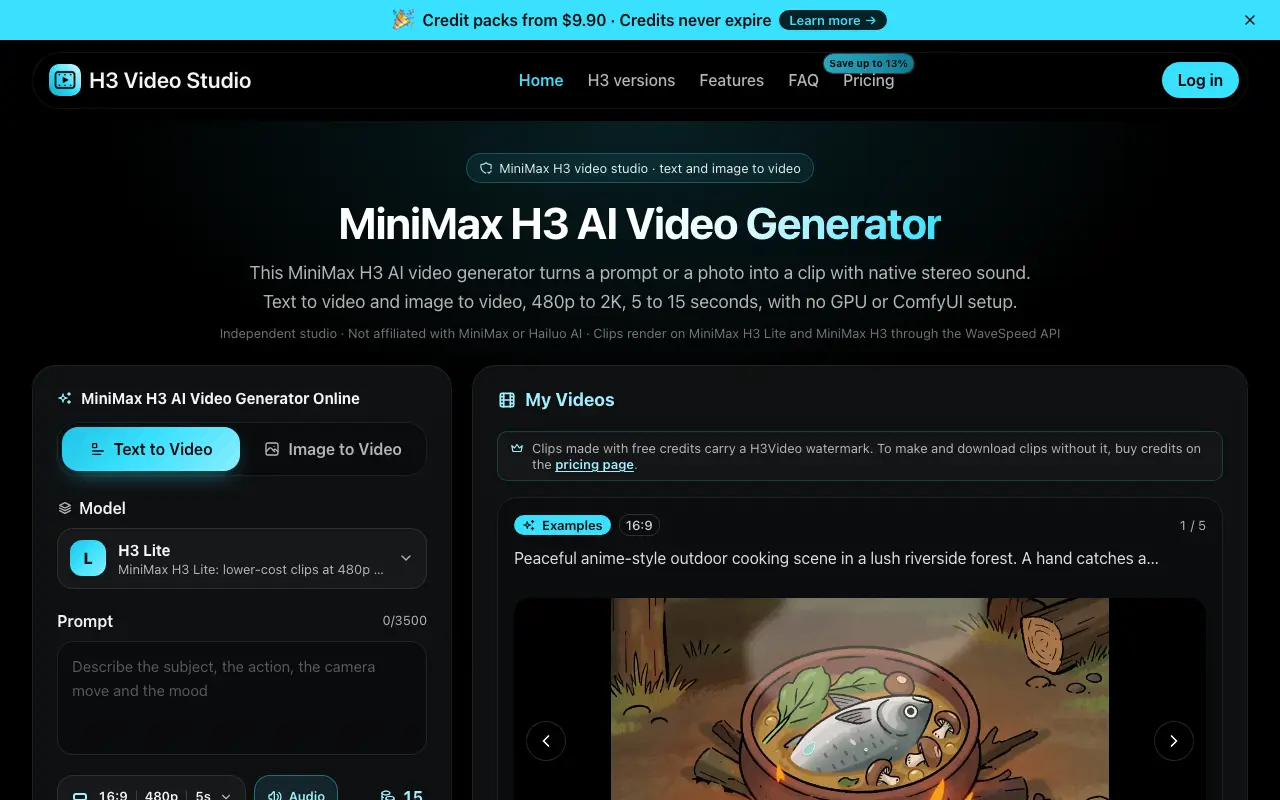
MiniMax H3 AI Video Generator is an independent online studio that runs MiniMax H3 and H3 Lite models via the WaveSpeed API. It allows users to create video clips ranging from 5 to 15 seconds in length. The tool generates native stereo sound, including music and effects, directly alongside the video content.
Users can choose between two model tiers. H3 Lite is designed for lower-cost drafting at 480p or 768p resolutions. The full MiniMax H3 model supports higher quality outputs up to 2K resolution for final projects.
How MiniMax H3 AI Video Generator works
The workflow begins with entering a text prompt of up to 3,500 characters or uploading an image to serve as a starting frame. Users can also provide an optional end frame for image-to-video generation. After selecting a model tier, aspect ratio, and clip duration, the system renders the video with synchronized audio. The interface displays the credit cost before generation begins.
Who should use MiniMax H3 AI Video Generator
This tool is suited for content creators, social media managers, and small studios looking to produce short-form video assets. It is particularly useful for those who need quick visual drafts or polished clips for social media platforms like TikTok and Reels without requiring local GPU hardware.
Our take
The integration of native stereo sound during the generation process is a significant advantage for creating ready-to-post content. The two-tier model system allows for efficient testing of prompts before committing more credits to high-resolution renders. However, the tool is limited to short clips of up to 15 seconds, making it unsuitable for long-form video production.
MiniMax H3 AI Video Generator key features
- Text to video and image to video generation
- Native stereo sound generated with the video
- Two model tiers: H3 Lite and full H3
- Video resolutions up to 2K
- Clip durations between 5 and 15 seconds
- Six different aspect ratio options
- No GPU or local software installation required
Who MiniMax H3 AI Video Generator is for
MiniMax H3 AI Video Generator pros and cons
Pros
- Integrated stereo audio generation
- Cost-effective drafting with H3 Lite tier
- High resolution output up to 2K
- No complex local hardware setup needed
Cons
- Maximum clip length is limited to 15 seconds
- Free tier clips include a watermark
MiniMax H3 AI Video Generator pricing
Paid, paid plans from $9.95/month. Pricing is based on credit consumption per second of video generated.
Prices last checked November 23, 2026. Always confirm on the official MiniMax H3 AI Video Generator website.
MiniMax H3 AI Video Generator FAQ
Is MiniMax H3 AI Video Generator free?
The studio offers free credits, but clips made with them include a H3Video watermark.
What is MiniMax H3 AI Video Generator used for?
It is used to create short, sound-on video clips from text prompts or images for ads and social media.
Do credits expire?
Subscription credits refill each billing cycle, while one-time credit packs never expire.
Can I use the videos commercially?
Paid plans include commercial use rights for generated videos.