
What is V2See?
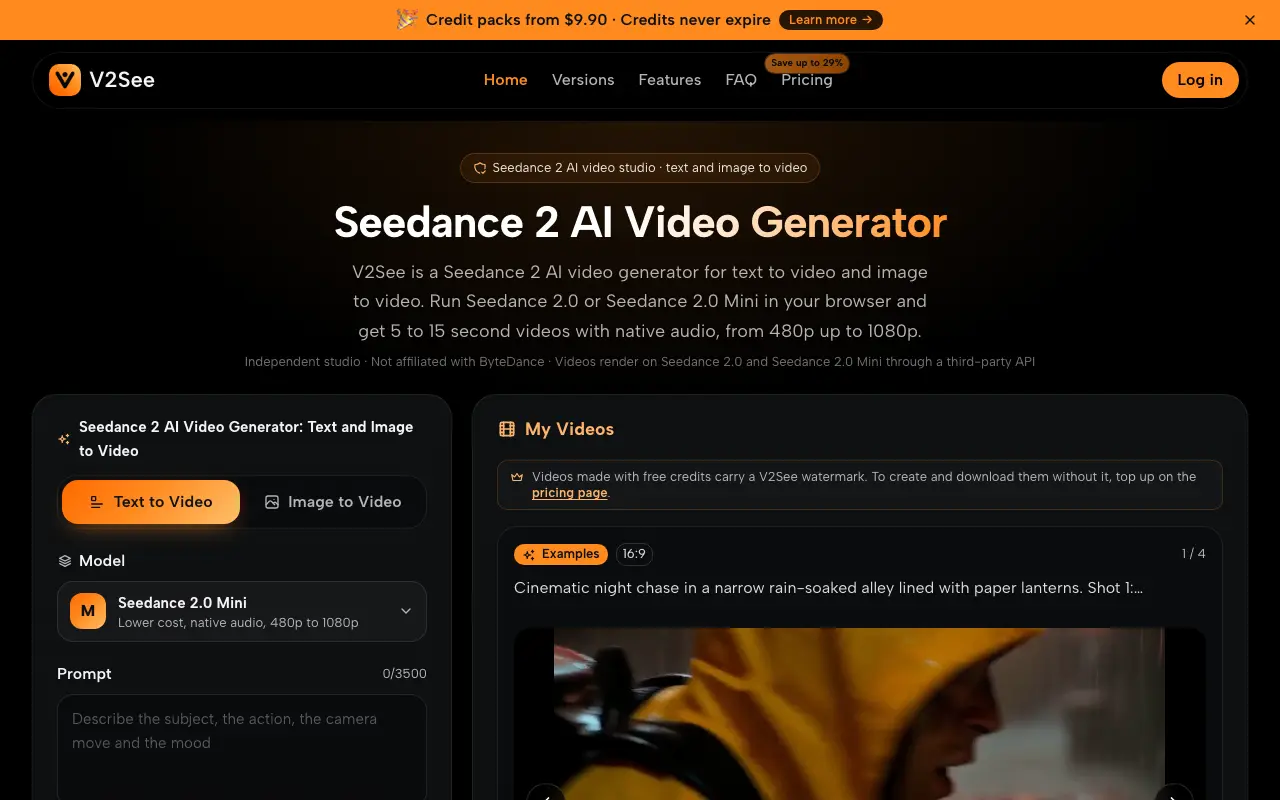
V2See is an online AI video studio designed to transform text prompts and images into high-definition video clips. It utilizes the Seedance 2.0 and 2.0 Mini models to produce content with integrated audio. The platform operates directly in the browser, requiring no software installation.
The studio offers two main tiers: Seedance 2.0 for high-quality 1080p or 4K output, and Seedance 2.0 Mini for a lower-cost option. While it provides access to these ByteDance models, V2See is an independent entity and is not affiliated with ByteDance, Dreamina, or CapCut.
How V2See works
Users start by entering a text prompt of up to 3,500 characters or uploading reference images. For text-to-video, up to nine images can be used, while image-to-video allows for a starting and optional ending frame. After selecting a model version, resolution, aspect ratio, and duration, users generate the video using a credit-based system. The resulting MP4 files include native audio by default, which can be toggled off if preferred.
Who should use V2See
This tool is suitable for social media creators, advertisers, and storytellers who need quick, high-quality video assets. It is particularly useful for those making short-form content like TikToks or Reels, as well as professionals needing storyboards or product demonstrations with synchronized sound.
Our take
V2See provides a convenient way to access high-quality Seedance models with a focus on integrated audio and multi-shot capabilities. The ability to use Mini models for drafting helps manage costs, though users should note that videos generated with free credits include a watermark.
V2See key features
- Text-to-video and image-to-video generation modes
- Native audio including dialogue, music, and sound effects
- Video resolutions up to 1080p for paid plans
- Multiple aspect ratios including 16:9 and 9:16
- Support for up to nine reference images per prompt
- Video durations between 5 and 15 seconds
- Credit-based system with non-expiring one-time packs
Who V2See is for
V2See pros and cons
Pros
- Integrated native audio for synchronized soundscapes
- Cost-effective drafting using the Mini model tier
- No software installation required to run in-browser
Cons
- Free credit videos contain a watermark
- Advanced reference inputs like video and audio are not yet in the studio
V2See pricing
Paid, paid plans from $9.95/month. Pricing is based on a credit system where costs are billed per second of video generated.
Prices last checked November 23, 2026. Always confirm on the official V2See website.
V2See FAQ
Is V2See free?
V2See offers free credits, but videos made with them include a watermark. Paid plans are required to remove the watermark.
What is V2See used for?
It is used to generate short, sound-on videos for ads, social media posts, dance edits, and storyboards.
Do credits expire?
Subscription credits refill each billing cycle, but one-time credit packs never expire.
Can I use the videos commercially?
Yes, paid plans include commercial use rights for ads, product pages, and client work.