
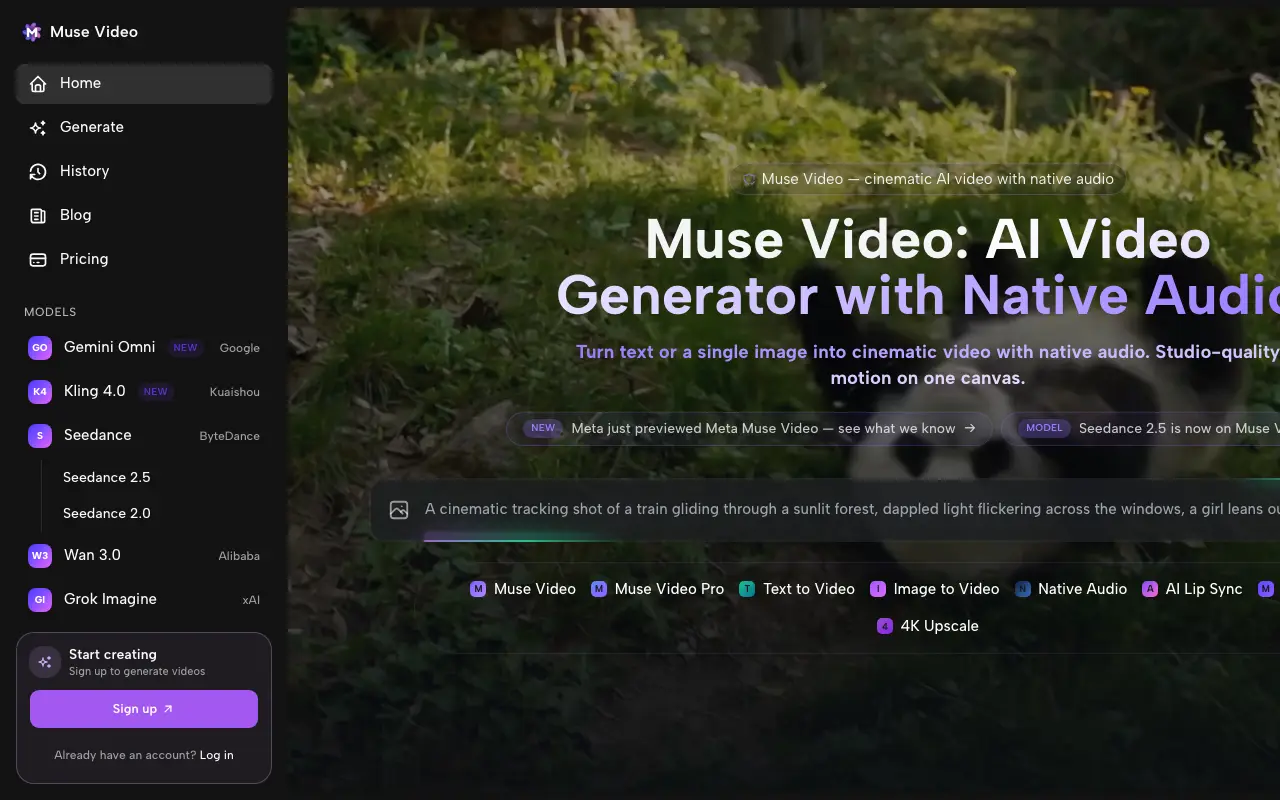
What is Muse Video?
Muse Video is an AI video generation platform that transforms text prompts or single images into cinematic video clips. The tool focuses on providing physically believable motion, realistic textures, and temporal consistency. It includes native audio capabilities to match the generated visuals.
The platform operates using various AI models, including options from Google, Kuaishou, ByteDance, Alibaba, and xAI. Users can choose between different model tiers to balance generation speed and cinematic quality for their specific needs.
How Muse Video works
The workflow begins by entering a text description or uploading a single image to define the scene. The AI engine then renders fluid motion based on the provided intent, including shot type and lighting. Users can refine the output on a single canvas by steering the camera, applying style transfers, or using motion brush tools to direct specific movements without re-rendering the entire clip.
Who should use Muse Video
This tool is designed for a variety of professionals, including marketers needing high-converting ad creative, content creators producing social media reels, and filmmakers prototyping sequences. It also serves e-commerce teams for product animations and educators looking to create engaging visual lessons.
Our take
Muse Video offers a comprehensive suite of creative controls, such as a multi-shot canvas and motion brush, which provide more direction than standard text-to-video tools. The inclusion of native audio and 4K upscaling makes it a strong choice for high-fidelity production. However, the credit system can be complex, as different models and higher resolutions consume credits at significantly different rates.
Muse Video key features
- Text-to-video and image-to-video generation
- Native audio and AI voiceover generation
- AI lip sync for character animation
- Multi-shot infinite canvas for storyboarding
- Motion brush and camera control tools
- 4K upscale for high-resolution output
- Consistent character and product locking
Who Muse Video is for
Muse Video pros and cons
Pros
- Integrated multi-shot canvas for complex editing
- Native audio synchronization with characters
- Commercial rights included with generated clips
- Wide variety of underlying AI models to choose from
Cons
- Credit consumption varies heavily by model and resolution
- Higher quality settings and longer clips require more credits
Muse Video pricing
Paid, paid plans from $14.9/month. Plans are available monthly or yearly, with credits used to pay for generations based on model and resolution.
Prices last checked November 23, 2026. Always confirm on the official Muse Video website.
Muse Video FAQ
Is Muse Video free?
No, Muse Video offers paid subscription plans starting at $14.90 per month.
What is Muse Video used for?
It is used to generate cinematic videos from text or images for ads, social media, and film prototyping.
Do I own the videos I create?
Yes, every clip created includes full commercial rights for use in ads, films, and social media.
Can I control the motion in the videos?
Yes, the tool features motion brush and camera control tools to steer the output.