
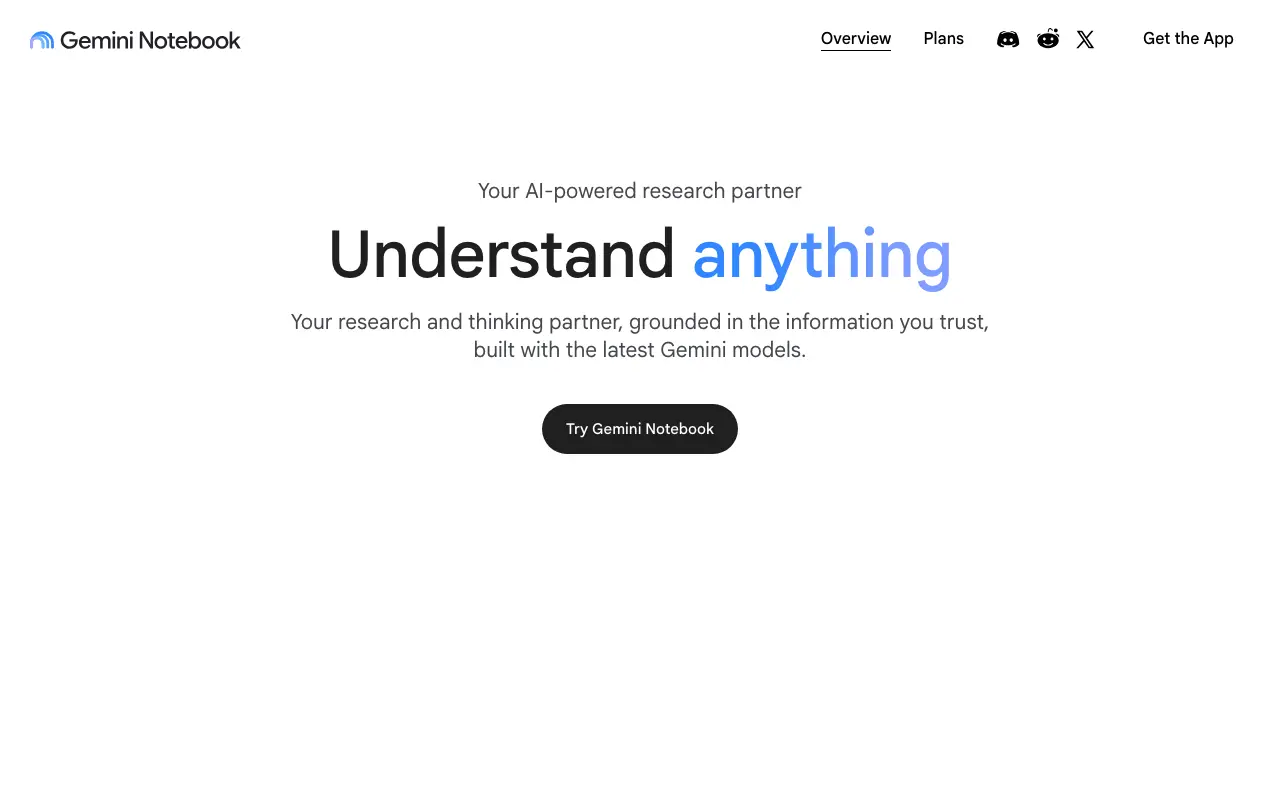
What is NotebookLM?
NotebookLM is an AI research assistant designed to help users interact with their own data more efficiently. Built using Google's Gemini models, it acts as a thinking partner that focuses on the specific sources a user provides. This grounding helps ensure that the AI's responses are relevant to the user's own notes and documents.
Beyond simple chat, the tool can transform static information into different formats. Users can generate audio summaries to listen to their material or create visual assets like slides and infographics. It is designed to turn complex information into clear, actionable insights through various interactive features.
How NotebookLM works
Users start by uploading their own sources, such as research documents, class materials, or meeting transcripts. Once the sources are added, the AI uses them as the primary knowledge base to answer questions, synthesize information, and generate new content. This workflow allows for deep dives into specific topics, where the AI provides citations and summaries based strictly on the uploaded data.
Who should use NotebookLM
This tool is suitable for students, researchers, educators, and professionals. Students can use it to create study aids like flashcards, while researchers can use it to synthesize hundreds of sources for literature reviews. Business professionals in sales, marketing, and customer support can also use it to analyze competitor data, create pitch decks, or quickly find answers to customer questions.
Our take
NotebookLM provides a strong way to interact with large volumes of personal or professional data without the AI hallucinating information from the general web. The ability to turn text into audio overviews is a helpful feature for auditory learners. However, certain advanced features and higher usage limits are locked behind specific paid tiers, and public sharing is limited to consumer accounts.
NotebookLM key features
- Audio Overviews that read source summaries aloud
- Source-grounded chat for accurate information retrieval
- Automatic generation of flashcards and study aids
- Creation of slides and infographics from research
- Video Overviews for explaining complex processes
- Deep Research and Source Discovery capabilities
- Support for up to 600 sources per notebook in higher tiers
Who NotebookLM is for
NotebookLM pros and cons
Pros
- Responses are grounded in user-provided sources
- Converts text into various formats like audio and slides
- High source limits for complex projects
Cons
- Advanced models and limits require paid subscriptions
- Public notebook sharing is restricted to consumer accounts
NotebookLM pricing
Freemium. Multiple tiers are available including Standard, AI Plus, AI Pro, and AI Ultra plans.
Prices last checked November 23, 2026. Always confirm on the official NotebookLM website.
NotebookLM FAQ
Is NotebookLM the same product as Gemini Notebook?
The page includes a FAQ section addressing if Gemini Notebook is the same as NotebookLM.
Is my data used to train the AI?
For organizations and schools, data stays private. For individuals, data is not used for training unless feedback is shared.
Can I use it for creative projects?
Yes, it can be used to create audio overviews for podcasts or visual assets for marketing.
What are the source limits?
Limits vary by plan, ranging from 50 sources in the standard plan to 600 in the Ultra plan.