
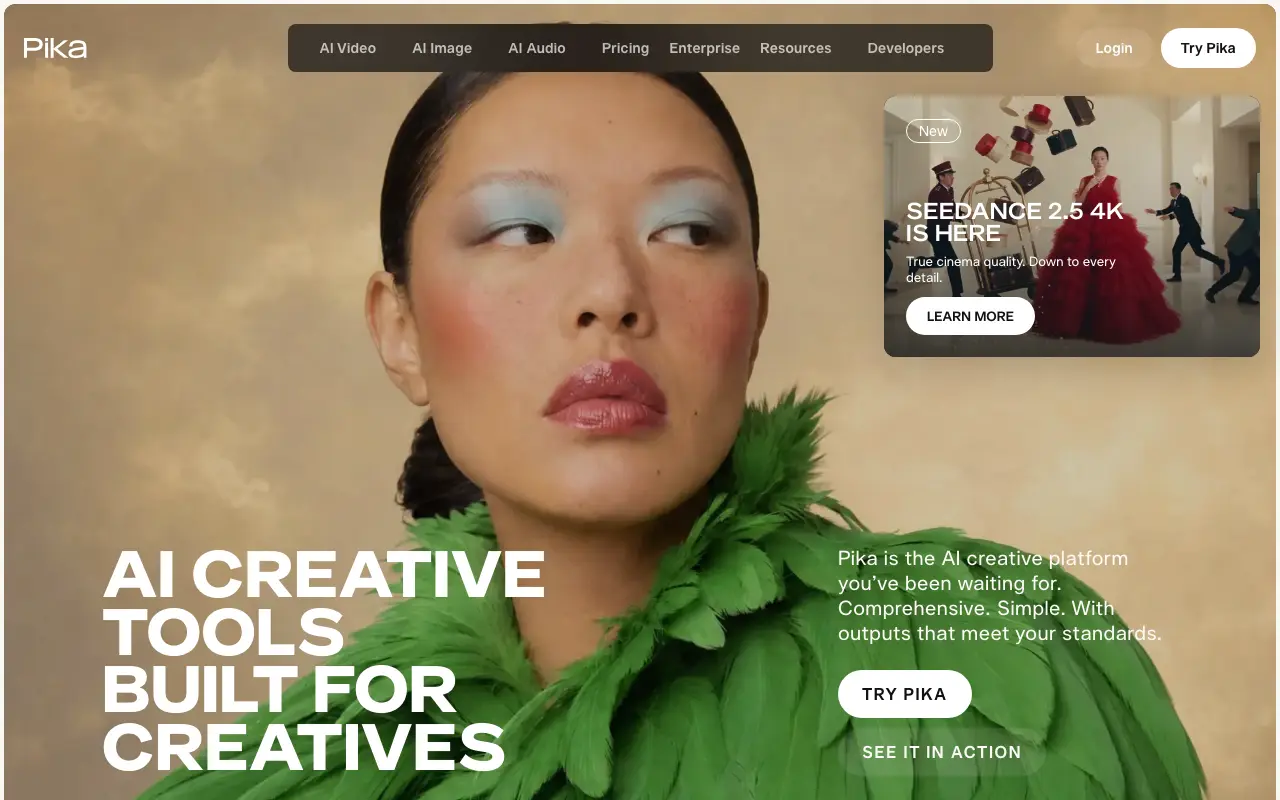
What is Pika?
Pika is an AI-driven creative platform designed for professionals in fields such as filmmaking, marketing, and editing. It offers a suite of tools that allow users to generate content from scratch or modify existing assets using advanced AI models.
The platform integrates multiple models, including Seedance 2.5, Pika 2.5, and Wan 3.0, to handle different creative tasks. Users can access specialized environments for video production, image generation, and audio scoring within a single interface.
How Pika works
Users interact with the platform through various specialized studios to achieve specific creative goals. For video, users can generate clips from references or text, extend existing footage by generating extra frames, or use the Video Studio to create multi-shot sequences. The Image Studio allows for professional-level imagery and product shots, while the Audio tools can score clips with music, ambience, and foley that match the visual action. Editing capabilities include color grading, removing objects from images, and customizing characters for repeated use across different creations.
Who should use Pika
Pika is built for industry professionals including filmmakers, editors, marketers, and ad creatives. It serves those who need to produce social content, product advertisements, short films, or high-quality product photography without traditional photoshoot constraints.
Pika key features
- Video Studio for short clips and multi-shot videos
- Image Studio for professional level imagery and product shots
- Pika Soundtrack for music, ambience, and foley
- Character Studio for creating repeatable custom characters
- Color Grade tool to adjust color and contrast
- Extend Video feature to make clips longer
- Edit Image tool to swap or remove objects
Who Pika is for
Pika pros and cons
Pros
- Access to multiple high-quality AI models in one place
- Comprehensive suite covering video, image, and audio
- Tools for character consistency across creations
Cons
- Free plan does not include a commercial license
- Priority queue and early access require paid subscriptions
Pika pricing
Freemium, paid plans from $10/mo. Plans are available via monthly or yearly billing, with the Starter plan beginning at $10 per month.
Prices last checked November 23, 2026. Always confirm on the official Pika website.
Pika FAQ
Is Pika free?
Pika offers a free plan that includes all models with a monthly credit allotment.
What is Pika used for?
Pika is used to generate and edit AI video, images, and audio for creative projects.
Does Pika include a commercial license?
Commercial licenses are included in the Starter, Creator, Fancy, and Team plans, but not the Free plan.
Can I use Pika for professional filmmaking?
Yes, the platform is designed for professionals like filmmakers and editors to create high-standard outputs.