
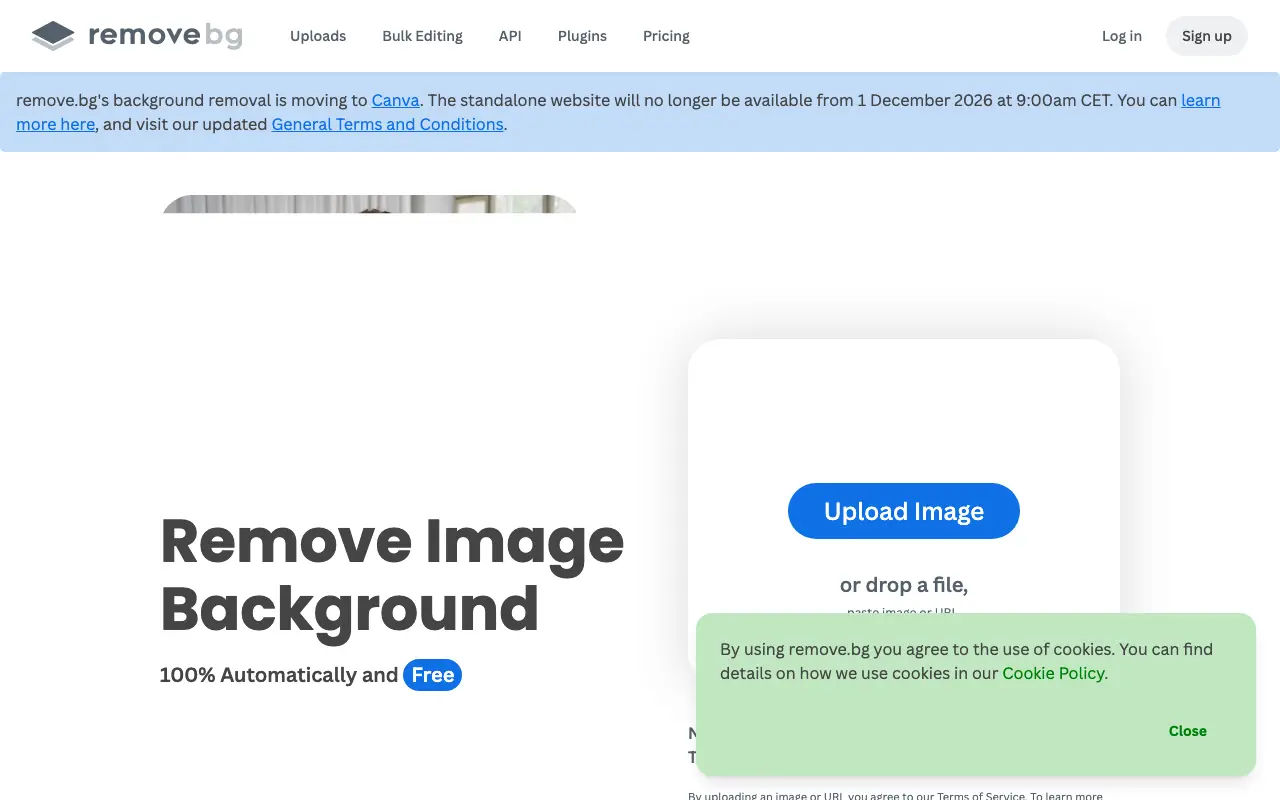
What is remove.bg?
remove.bg is an AI-driven utility designed to automate the process of background removal from images. It allows users to extract subjects from photos with high accuracy, creating transparent backgrounds or replacing them with new ones.
As a Canva Austria GmbH brand, the service is transitioning its standalone website functionality to Canva. The independent website is scheduled to be unavailable starting December 1, 2026.
How remove.bg works
Users can process images by uploading a file, dragging and dropping an image, or pasting a URL. The AI automatically identifies the subject and removes the background in seconds. Once the background is removed, users can choose to keep the background transparent as a PNG or use the AI background generator to create custom backdrops without writing text prompts.
Who should use remove.bg
The tool serves a wide range of professionals, including photographers, e-commerce merchants, marketers, and developers. It is also useful for graphic designers needing transparent assets and enterprise teams looking to automate high-volume image processing through an API.
Our take
remove.bg provides a highly efficient way to handle repetitive image editing tasks, particularly through its bulk editing capabilities and software integrations. While it excels at speed and ease of use, the upcoming discontinuation of the standalone website in late 2026 means users will eventually need to rely on the Canva ecosystem for these specific features.
remove.bg key features
- Automatic background removal in seconds
- AI-powered background generator for custom backdrops
- Bulk editing for up to 500 images per minute
- API access for developer integrations
- Photoshop extension for direct workflow integration
- Mobile app for editing on the go
- Transparent background creation in PNG format
Who remove.bg is for
remove.bg pros and cons
Pros
- Fast automated processing
- High accuracy with complex details like hair
- Bulk processing capabilities
- Multiple platform integrations
Cons
- Standalone website is being discontinued in 2026
- Advanced features require credits or subscriptions
remove.bg pricing
Freemium. The service offers various plans including subscription models and pay-as-you-go credits.
Prices last checked November 23, 2026. Always confirm on the official remove.bg website.
remove.bg FAQ
Is remove.bg free?
The tool offers a free version to try, including some HD capabilities through Canva.
What is remove.bg used for?
It is used to automatically remove backgrounds from images and generate new ones.
When will the standalone website close?
The standalone website will no longer be available from 1 December 2026 at 9:00am CET.
Can I process many images at once?
Yes, bulk editing allows you to process up to 500 images per minute.