
What is Captions?
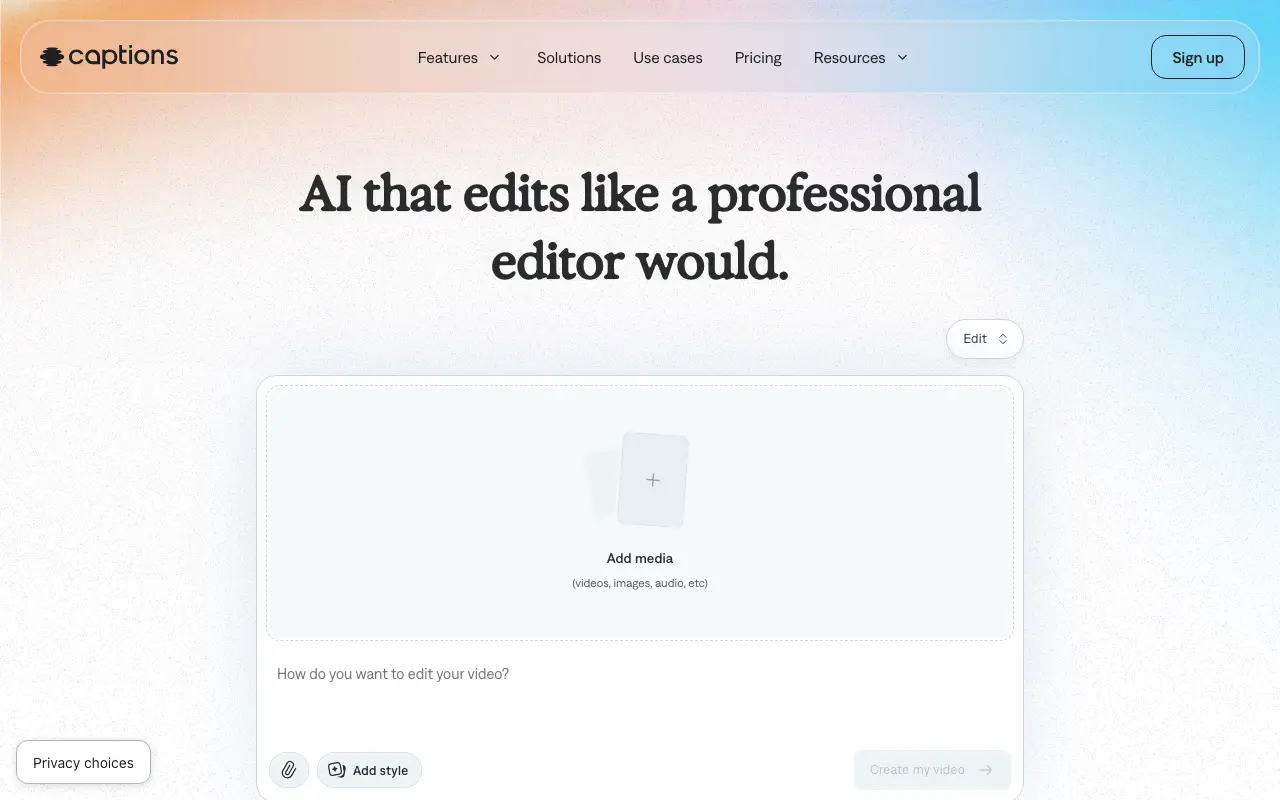
Captions is an AI video generator and editor that assists users in creating social media ready content. It provides tools to automate post-production tasks such as cutting scenes, adding B-roll, and generating subtitles. The software aims to make professional-level editing accessible to those without prior experience.
Beyond standard editing, the platform includes generative AI features. Users can create AI avatars, generate royalty-free music, and use text-based commands to modify their videos. It also includes specialized tools for audio enhancement and language translation.
Captions key features
- Automatic captions with stylized fonts
- Translation and subtitling in 100+ languages
- AI avatar generation and digital twins
- Eye contact correction for inconsistent glances
- Background noise removal and audio denoising
- Chat-based text to edit interface
- Automatic removal of filler words and pauses
Who Captions is for
Captions pros and cons
Pros
- Automates complex post-production tasks
- Easy to use via text prompts
- Supports over 100 languages
- Includes AI avatar and digital twin capabilities
Cons
- Advanced features require a paid subscription
- Usage is limited by monthly credit systems
Captions pricing
Paid, paid plans from $24.99/month. Features and prices reflect iOS plans only, and some plans include monthly usage credits.
Prices last checked November 24, 2026. Always confirm on the official Captions website.
Captions FAQ
Is Captions free?
It is free to sign up, but a subscription is required to access the best features.
What is Captions used for?
It is used for AI video editing, generating captions, translating videos, and creating AI avatars.
Can I use AI to change my outfit in a video?
Yes, you can use prompts to change outfits, backgrounds, or product inserts on AI avatars.
Does Captions offer translation?
Yes, it can translate and subtitle videos in over 100 languages.