
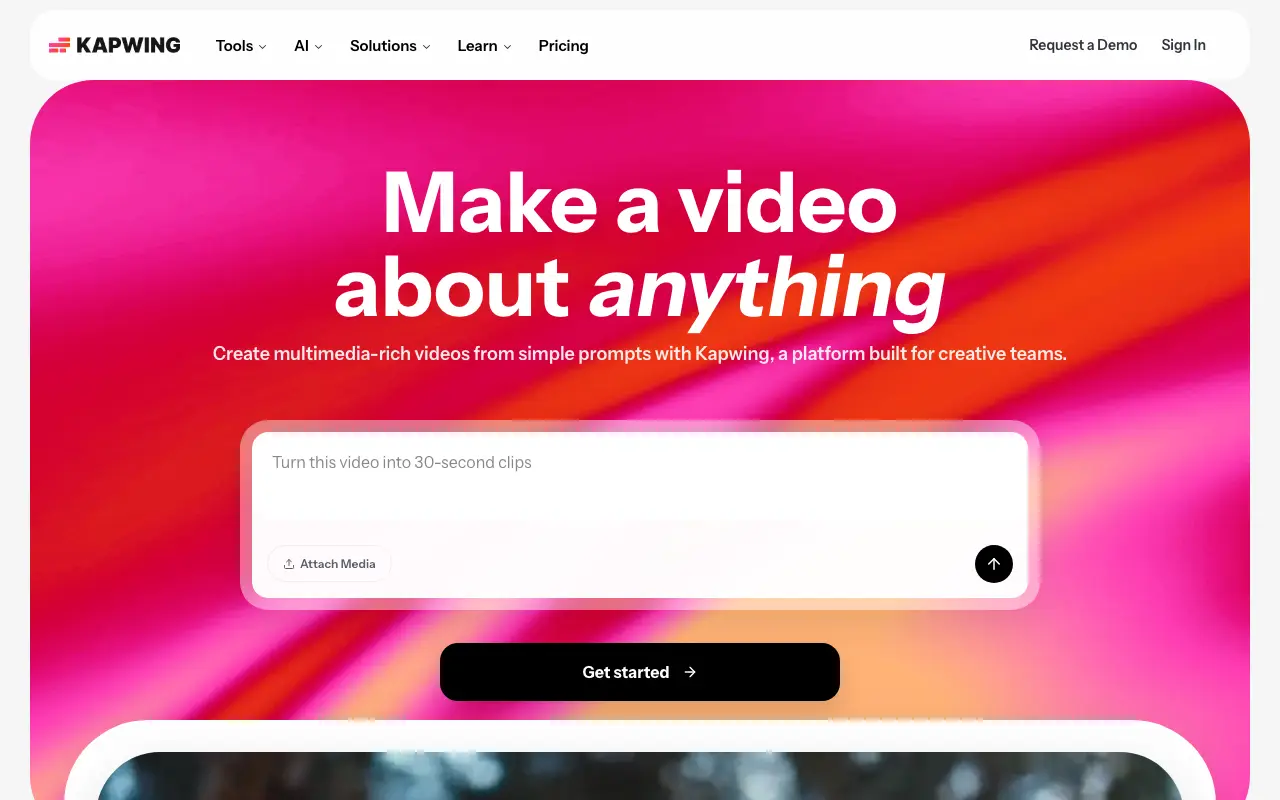
What is Kapwing?
Kapwing is an online video editing platform that provides a suite of tools for creating and managing multimedia content. It operates directly in the browser, removing the need for software downloads or installations. The platform is built to support various workflows, from simple social media clips to professional marketing campaigns.
Through its AI-powered features, Kapwing assists with tasks like script generation, b-roll creation, and automatic silence removal. It also offers specialized tools for audio editing, such as text-to-speech and background noise reduction. The platform supports collaborative work, allowing teams to share thoughts and edit projects together in a shared workspace.
How Kapwing works
Users can start by uploading media or using a text prompt to generate a video project from scratch. The interface features a drag-and-drop timeline where users can combine clips, add overlays, and adjust timing. AI tools can be applied to automate specific tasks, such as generating subtitles from speech or translating dialogue into multiple languages. Once the edit is complete, users can export the video in various resolutions and formats suitable for different social platforms.
Who should use Kapwing
Kapwing is designed for a wide range of users, including marketing teams needing consistent brand assets, content creators looking to polish videos quickly, and educators making digital lessons. It also serves internal communications teams and social media managers who need to repurpose existing video into shorter, platform-ready clips.
Our take
Kapwing offers a versatile set of tools that makes complex editing tasks like subtitling and dubbing accessible to non-professionals. Its browser-based nature and collaborative features are significant strengths for distributed teams. However, the credit-based system for AI features may require careful management to avoid unexpected costs, and free users are limited by watermarks and lower export resolutions.
Kapwing key features
- AI video generator from text prompts
- Automatic subtitler and transcription tool
- Smart Cut to remove silences automatically
- Dubbing tool for translating dialogue into 40+ languages
- Text to speech for realistic voiceovers
- Repurpose Studio for creating social media clips
- Collaborative workspace for team editing
Who Kapwing is for
Kapwing pros and cons
Pros
- No software installation required
- Collaborative interface for team projects
- Wide variety of AI-powered automation tools
Cons
- Free plan includes a watermark
- AI features operate on a credit system
- Export quality is limited on the free tier
Kapwing pricing
Freemium, paid plans from $16/month. Plans range from a free tier to Pro and Business tiers based on credits and features.
Prices last checked November 24, 2026. Always confirm on the official Kapwing website.
Kapwing FAQ
Is Kapwing free?
Kapwing offers a free plan that includes 10 credits, unlimited exports with a watermark, and 720p video quality.
What is Kapwing used for?
It is used for video editing, subtitling, audio cleaning, dubbing, and generating videos from text prompts.
Can I use Kapwing on my phone?
Kapwing runs in the browser, allowing access through web browsers without downloads.
Does Kapwing support multiple languages?
Yes, the dubbing tool can translate dialogue into over 40 languages.