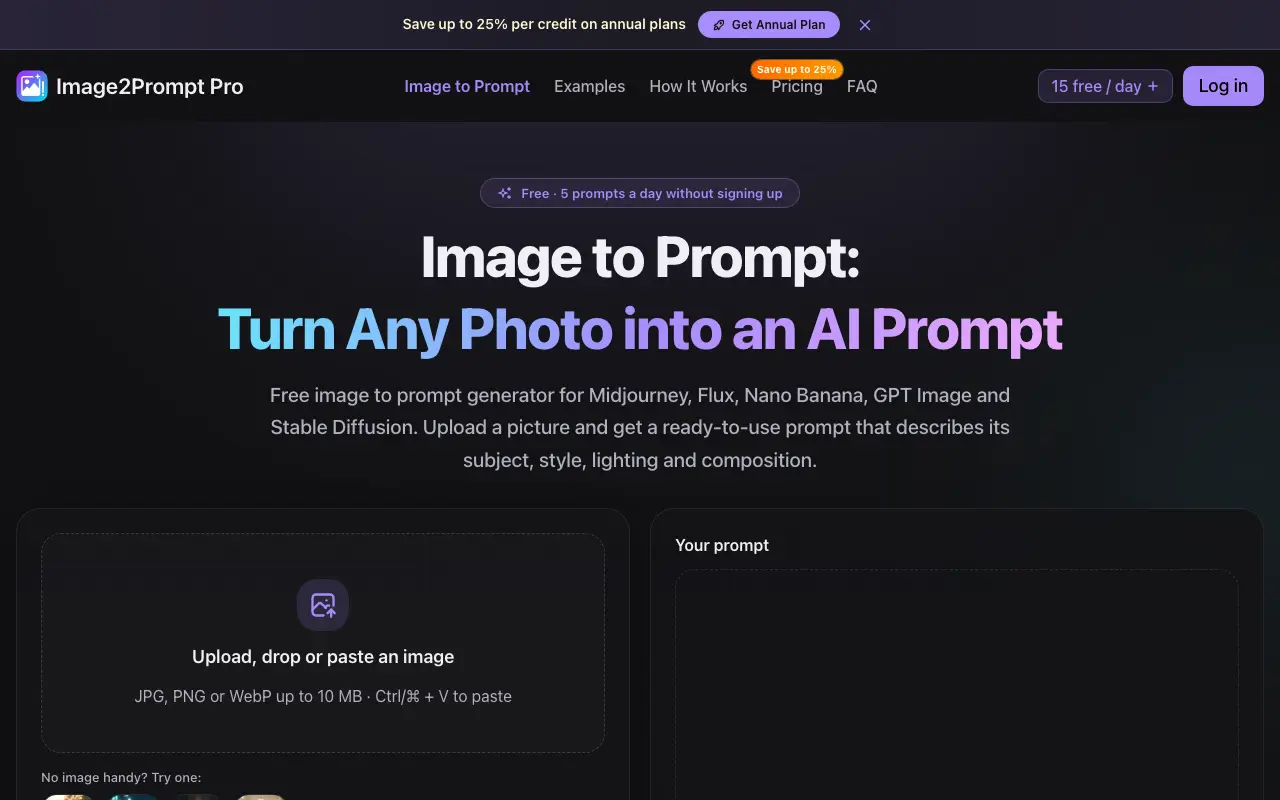
What is Image2Prompt Pro?
Image2Prompt Pro is an image-to-text tool designed to reverse the text-to-image process. It uses an AI vision model to analyze a picture and write a text prompt that describes its subject, style, lighting, and composition. This helps users recreate similar scenes or styles without manual guessing.
How Image2Prompt Pro works
Users upload, drop, or paste a JPG, PNG, or WebP image up to 10 MB into the browser-based tool. After uploading, you select a specific prompt format, such as Midjourney phrases or Stable Diffusion tags, and choose a detail level. Once you press generate, the tool provides a text prompt that can be copied directly into an image generator.
Who should use Image2Prompt Pro
This tool is built for digital artists, prompt engineers, and creators who use AI image generators. It is useful for those who want to replicate a specific aesthetic, lighting, or composition from an existing photograph or artwork. It also serves teams and heavy workflows requiring structured JSON outputs for automation.
Our take
Image2Prompt Pro offers a practical way to bridge the gap between visual inspiration and text-based AI generation. The ability to output prompts in six different formats, including structured JSON and video motion prompts, is a significant strength for technical users. However, while the tool provides highly detailed descriptions, users should note that the resulting images will match the scene and style rather than being pixel-perfect copies of the original.
Image2Prompt Pro key features
- Six distinct prompt formats including Midjourney and Flux
- Support for 15 different prompt languages
- Detailed or concise prompt output options
- Video motion prompts for tools like Runway and Kling
- Structured JSON output for technical workflows
- Supports JPG, PNG, and WebP formats up to 10 MB
Who Image2Prompt Pro is for
Image2Prompt Pro pros and cons
Pros
- Multiple specialized formats for different AI models
- Multilingual support in 15 languages
- Includes video motion prompt generation
Cons
- Requires credits for high-volume usage
- Generated images are approximations rather than exact copies
Image2Prompt Pro pricing
Freemium, paid plans from $4.9/month. Users can choose between monthly, annual, or one-time credit packs.
Prices last checked November 23, 2026. Always confirm on the official Image2Prompt Pro website.
Image2Prompt Pro FAQ
Is Image2Prompt Pro free?
Yes, you can use 5 prompts a day without signing up, or 15 free prompts a day when signed in.
What is Image2Prompt Pro used for?
It is used to turn images into text prompts for AI generators like Midjourney, Flux, and Stable Diffusion.
Do you save my images?
No, the tool does not save your uploaded images.
What happens if a prompt fails?
Failed or refused prompts are automatically refunded as credits.