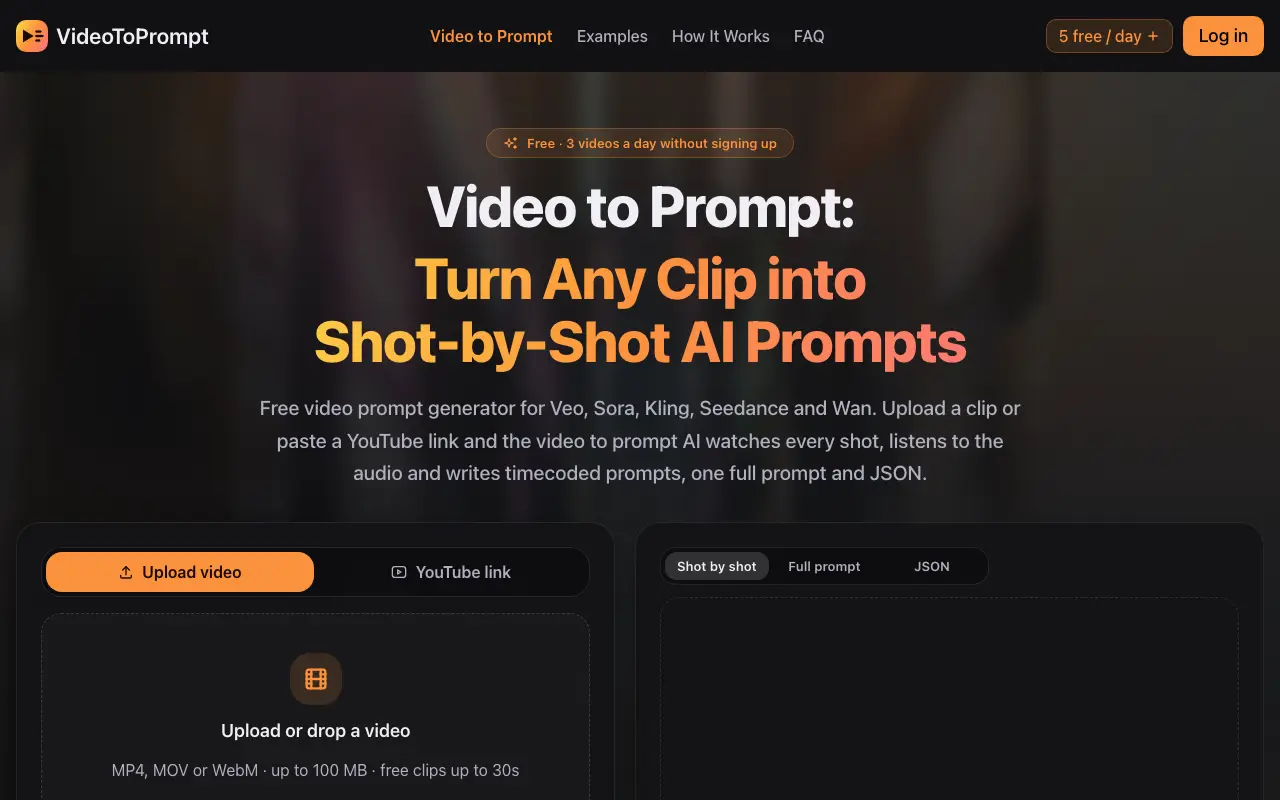
What is VideoToPrompt?
VideoToPrompt is an AI-driven tool designed to reverse the text-to-video process. It watches existing video footage and translates the visual and auditory elements into descriptive text prompts. This allows users to understand the specific composition, camera movements, and lighting used in a clip.
The tool analyzes subjects, actions, camera angles, and lighting setups. It also listens to audio to include descriptions of music, sound effects, and dialogue. This data is then formatted to match the specific syntax required by various popular AI video generation models.
How VideoToPrompt works
Users start by uploading an MP4, MOV, or WebM file up to 100 MB or pasting a public YouTube link. After uploading, the user selects a target model such as Sora 2, Kling, or Runway, and chooses a preferred language and detail level. The AI processes the video in about 30 to 60 seconds, producing a shot-by-shot breakdown with timestamps, a single master prompt, and a JSON file for easy copying and use.
Who should use VideoToPrompt
This tool is built for AI video creators, filmmakers, and advertisers who want to recreate specific styles or pacing without manual prompting. It is useful for anyone looking to deconstruct professional clips to learn how to prompt for similar cinematic results in AI video generators.
Our take
VideoToPrompt offers a highly practical way to bridge the gap between inspiration and execution by providing model-specific syntax. The ability to generate prompts in 15 different languages and various formats is a significant advantage for global users. However, the free tier is limited to 30-second clips and a small number of daily generations, which may restrict users working on longer or more frequent projects.
VideoToPrompt key features
- Generates shot-by-shot breakdowns with timestamps
- Supports 8 different AI video model formats
- Provides output in JSON, full prompt, and shot-by-shot views
- Analyzes both visual elements and audio content
- Supports prompt generation in 15 different languages
- Accepts YouTube links and direct video uploads
Who VideoToPrompt is for
VideoToPrompt pros and cons
Pros
- Model-specific formatting for Sora, Kling, and more
- Includes audio and sound effect descriptions
- No sign-up required for initial free uses
Cons
- Free clips are limited to 30 seconds
- Daily usage limits for non-signed-in users
VideoToPrompt pricing
Freemium. Users can access 3 free videos per day without signing up or 5 per day with a sign-in.
Prices last checked November 23, 2026. Always confirm on the official VideoToPrompt website.
VideoToPrompt FAQ
Is VideoToPrompt free?
Yes, you can use it for free up to 3 videos a day without signing up.
What video formats are supported?
The tool supports MP4, MOV, and WebM formats.
How long can the uploaded videos be?
Free clips are limited to a maximum of 30 seconds.
Do I need to create an account?
No, you can use the tool without signing up, though signing in allows for 5 free videos per day.