
What is Read AI?
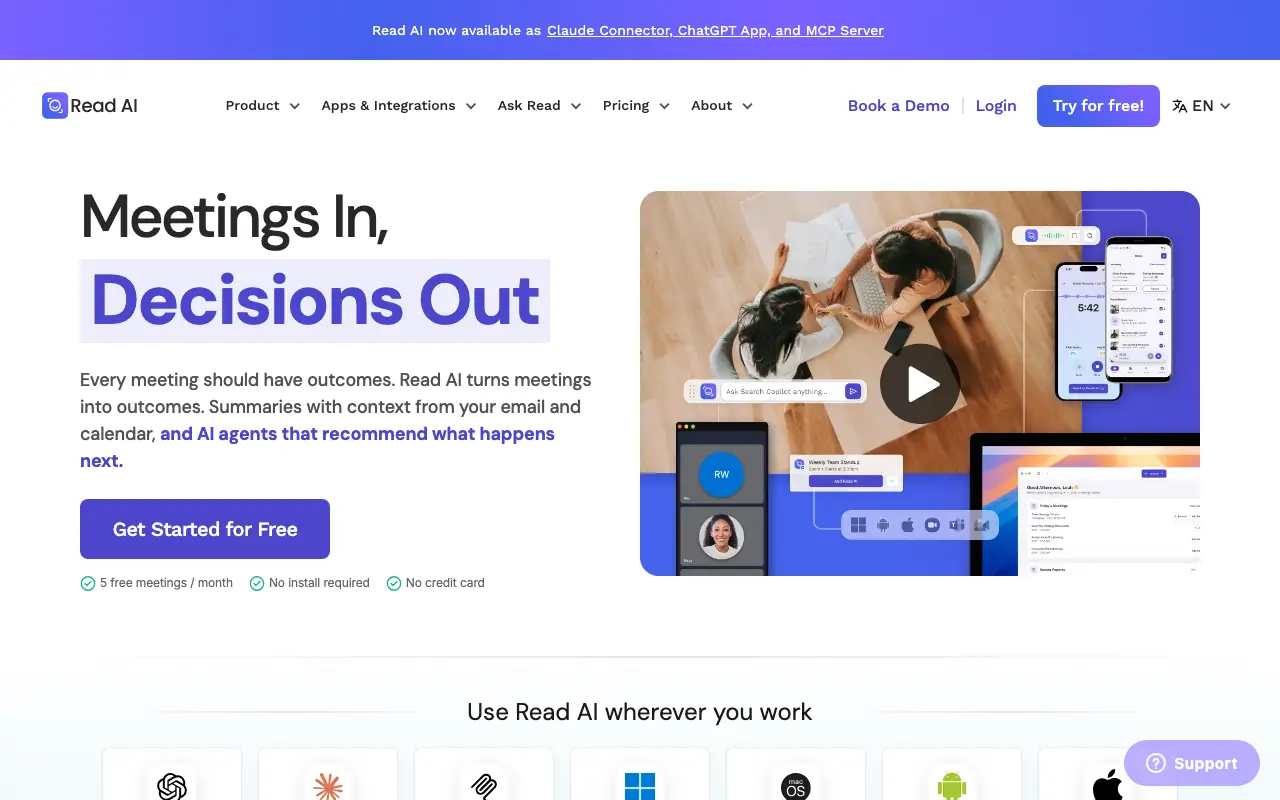
Read AI is a meeting assistant designed to automate documentation and information retrieval. It integrates with various communication platforms to record and transcribe discussions, providing users with context from emails, calendars, and previous meetings.
Beyond simple transcription, the tool offers AI agents that recommend next steps and an assistant called Ada. This assistant can manage workflows and help users find specific information within their existing communication history through a search function called Ask Read.
How Read AI works
Read AI connects to your existing calendar and meeting platforms such as Zoom, Microsoft Teams, or Google Meet. During a meeting, the AI agent joins to capture audio and video, generating real-time notes and metrics. Once the meeting concludes, the system produces a summary, identifies action items, and routes them to your preferred productivity tools. Users can then use the Ask Read feature to query their meeting history for specific decisions or owners using citations.
Who should use Read AI
This tool is built for professionals, small teams, and large enterprises that rely heavily on video conferencing and digital communication. It is suitable for project managers needing to track action items, teams looking to reduce manual note-taking, and organizations that require centralized, searchable meeting intelligence.
Our take
Read AI offers a strong suite of integrations that allow it to function as a central hub for meeting intelligence across different platforms. Its ability to pull context from emails and CRMs provides a unified view of project history. However, the most advanced features, such as video playback and premium integrations, are locked behind higher-tier paid plans, which may increase costs for growing teams.
Read AI key features
- Automated meeting summaries and transcriptions
- AI-generated action items and highlights
- Ask Read feature for querying meeting history
- Multi-language support for over 20 languages
- Integration with Slack, Salesforce, and HubSpot
- Real-time meeting notes and metrics
- Mobile apps for iOS and Android
Who Read AI is for
Read AI pros and cons
Pros
- Works across multiple meeting platforms
- Provides citations for AI-generated answers
- SOC 2 Type 2 and HIPAA compliant options available
Cons
- Video playback requires a paid Enterprise plan
- Free plan is limited to five meetings per month
Read AI pricing
Freemium, paid plans from $15/month. Plans range from a free tier to Pro, Enterprise, and Enterprise+ options.
Prices last checked November 24, 2026. Always confirm on the official Read AI website.
Read AI FAQ
Is Read AI free?
Yes, there is a free plan that includes 5 meetings per month with summaries and transcription.
What is Read AI used for?
It is used to record, transcribe, and summarize meetings while capturing action items and insights.
Does Read AI work with Zoom?
Yes, it supports Zoom, Google Meet, and Microsoft Teams.
Is my data used for training?
Read AI does not use your data for training by default.