
What is OpusClip?
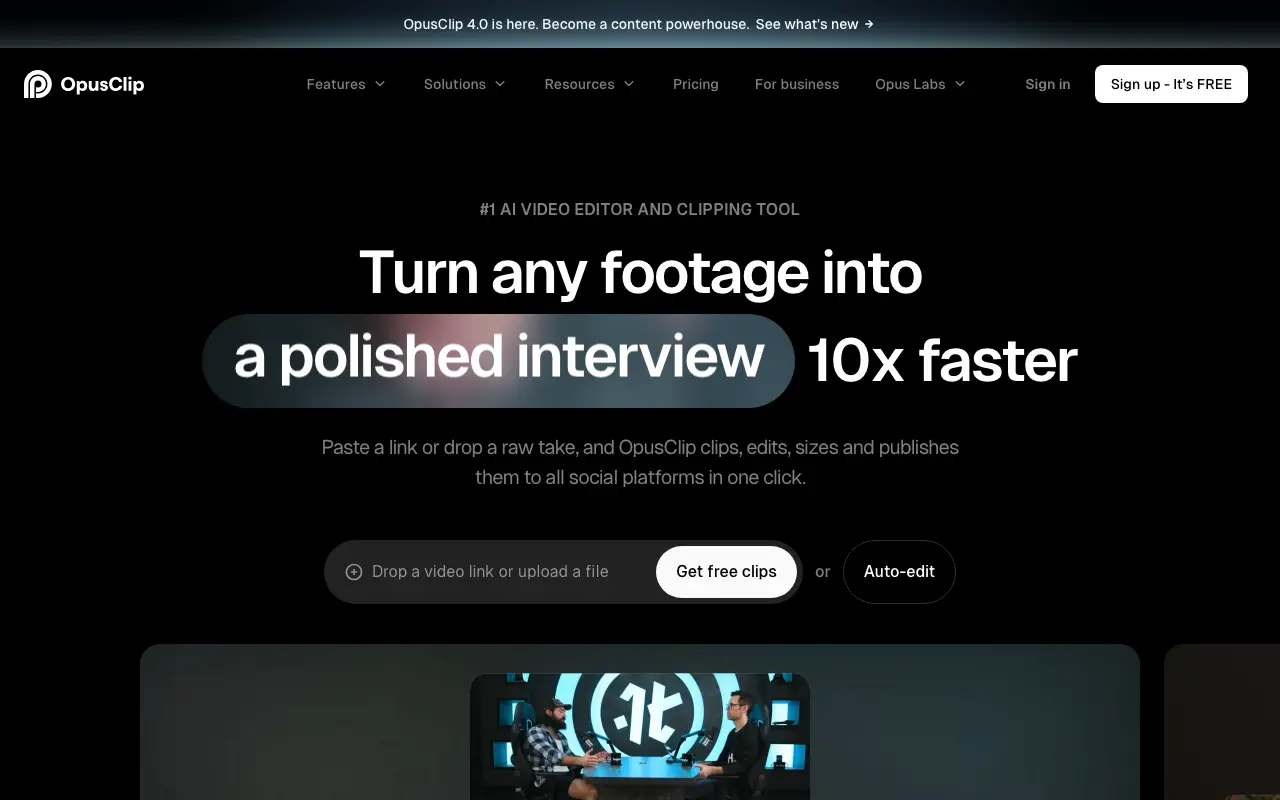
OpusClip is an AI-powered video editing tool designed to transform long videos into polished, short-form clips. It utilizes specialized models like ClipAnything and ReframeAnything to identify engaging moments and automatically resize footage for different social media formats.
By automating the tedious parts of video editing, the platform helps creators maintain a consistent posting schedule. It supports various video genres, including podcasts, vlogs, gaming, and interviews, while providing tools for captioning and audio enhancement.
How OpusClip works
Users can start by pasting a video link from platforms like YouTube or uploading a raw file directly. The AI then analyzes the footage to select high-potential clips, applies automatic reframing to keep subjects centered, generates animated captions, and adds B-roll or voice-overs. Once the clips are ready, they can be downloaded or published to social platforms with a single click.
Who should use OpusClip
This tool is built for content creators, marketers, and businesses that need to scale their video presence. It is particularly useful for podcasters and YouTubers looking to convert long-form horizontal videos into vertical shorts for TikTok, Instagram Reels, and YouTube Shorts.
Our take
OpusClip offers a significant time-saving advantage for creators by automating the complex task of finding and formatting highlights. The ability to integrate with professional software like Adobe Premiere Pro and DaVinci Resolve adds valuable flexibility for advanced editors. However, the free tier is quite limited, as clips become non-exportable after three days and include a watermark.
OpusClip key features
- AI clipping to identify viral moments
- Automatic AI reframing with object tracking
- AI-generated animated captions in 20+ languages
- AI B-Roll integration using images and stock video
- Social media scheduler for automated posting
- AI audio enhancement and voice-over tools
- Direct export to Adobe Premiere Pro and DaVinci Resolve
Who OpusClip is for
OpusClip pros and cons
Pros
- Automates the entire clipping and reframing process
- Supports a wide variety of video input sources
- Provides brand kits for consistent visual identity
Cons
- Free plan clips expire after three days
- Watermark is present on the free version
OpusClip pricing
Freemium, paid plans from $15/month. Plans range from a free tier to a $15/month Starter plan and a $29/month Pro plan.
Prices last checked November 24, 2026. Always confirm on the official OpusClip website.
OpusClip FAQ
Is OpusClip free?
Yes, there is a free plan that provides 60 credits per month, though it includes a watermark and clips expire after 3 days.
What is OpusClip used for?
It is used to turn long-form videos into short, viral clips for platforms like TikTok, Reels, and YouTube Shorts.
Which languages are supported?
The tool currently supports English, German, Spanish, French, Portuguese, and over 20 other languages.
Can I export clips to professional editors?
Yes, the Pro plan allows you to export clips to Adobe Premiere Pro and DaVinci Resolve.