
What is Img2Img?
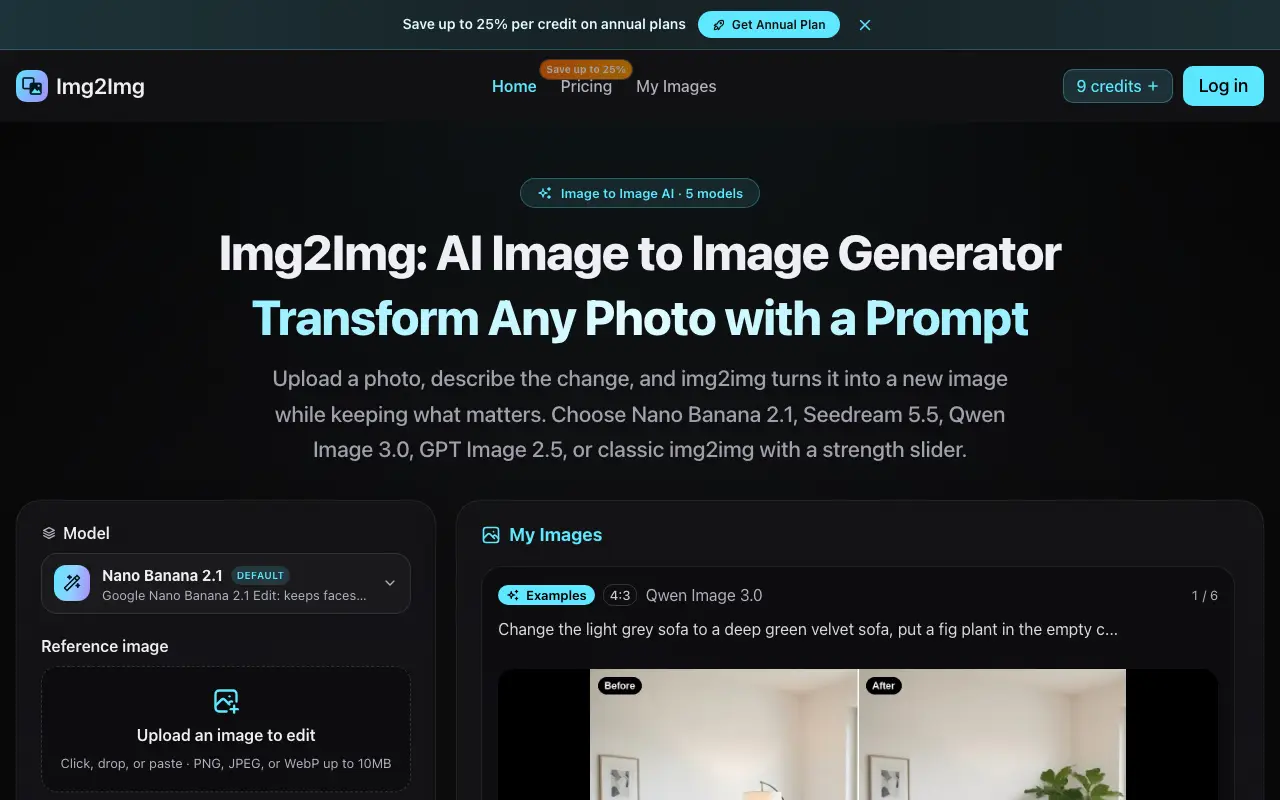
Img2Img is an AI-powered image generation tool that uses an existing picture as a starting point rather than a blank canvas. By combining an uploaded image with a text prompt, the system generates a new version that preserves specific elements like pose, layout, or product details.
Users can choose from five distinct models, including instruction-based models and a classic version with a denoising strength slider. This variety allows for different levels of creative control, from subtle color grading to heavy repainting of a scene.
How Img2Img works
The workflow begins with uploading a photo, sketch, or product shot in PNG, JPEG, or WebP format. Users then write a prompt describing what should change and what should stay the same. Finally, the selected AI model processes the input to return a 1K PNG image based on the provided instructions and strength settings.
Who should use Img2Img
This tool is designed for creators, photographers, and designers who need to modify existing assets. It is useful for product photographers wanting to change backgrounds, artists turning sketches into renders, and marketers needing to relight or restyle brand images without starting from scratch.
Our take
Img2Img offers significant flexibility through its multiple specialized models, such as Nano Banana 2.1 for maintaining facial and product consistency. The ability to use multiple input images for complex compositions is a notable advantage for professional workflows. However, the credit-based system means costs can vary depending on the specific model and number of input images used per generation.
Img2Img key features
- Five specialized AI models for different editing needs
- Strength slider for controlling denoising and redraw levels
- Support for up to 14 input images per edit
- Ability to maintain faces, products, and text integrity
- Text translation capabilities within uploaded images
- Sketch to photoreal render transformations
- 1K PNG output for all generated images
Who Img2Img is for
Img2Img pros and cons
Pros
- Multiple models for specific tasks like natural language or precision
- High level of layout and composition control
- Supports multi-image inputs for combining elements
Cons
- Credit costs vary per model and input count
- Requires prompt engineering to balance changes and preservation
Img2Img pricing
Freemium, paid plans from $4.9/month. Annual plans offer a savings of up to 25% per credit compared to monthly billing.
Prices last checked November 23, 2026. Always confirm on the official Img2Img website.
Img2Img FAQ
Is Img2Img free?
New accounts receive free credits to try an initial image to image AI edit.
What is Img2Img used for?
It is used for editing, restyling, product photography, and turning sketches into images.
How do credits work?
Credits are a generation budget where costs depend on the model and number of images used.
Can I cancel my subscription?
Yes, you can cancel anytime and keep access until the end of your billing period.