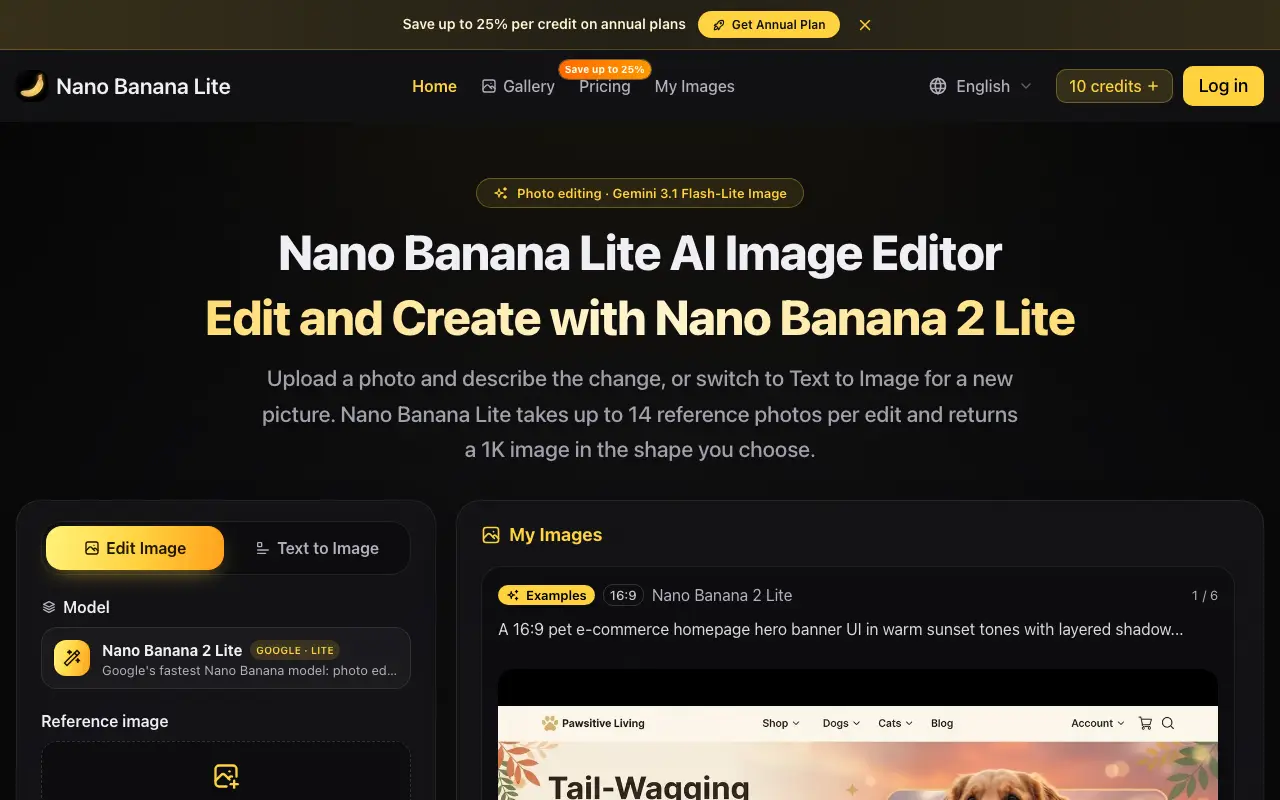
What is Nano Banana Lite?
Nano Banana Lite is an AI-powered image editing and generation platform built on Google's Nano Banana 2 Lite model, also known as Gemini 3.1 Flash-Lite Image. It is designed as a high-speed, low-cost tier for users who need to produce many image variations or quick drafts.
The tool handles text-to-image generation, instruction-based photo editing, and multi-image composition. Every generated image includes an invisible SynthID watermark for provenance. While it focuses on speed and efficiency, it outputs images at a fixed 1K resolution.
How Nano Banana Lite works
Users begin by signing in with a Google account and choosing between the Text to Image or Edit Image tabs. For edits, you can upload up to 14 reference photos and provide a written prompt describing the desired changes, such as swapping a background or adjusting lighting. After selecting one of 14 available aspect ratios, the model processes the request and returns a result that can be refined or downloaded as a PNG.
Who should use Nano Banana Lite
This tool is intended for online sellers, marketers, and content creators who require high-volume image production. It is suitable for designers and freelancers who need to quickly preview colorways, create product listings, or generate social media assets without the cost of a full studio setup.
Our take
Nano Banana Lite is a highly efficient tool for rapid prototyping and high-volume tasks due to its speed and ability to use multiple reference images. However, the tool is limited by its fixed 1K resolution, meaning it is not suitable for professional print work or projects requiring 2K or 4K fine detail.
Nano Banana Lite key features
- Text to image generation from written prompts
- Instruction-based photo editing via text prompts
- Combine up to 14 reference images per edit
- Support for 14 different aspect ratios
- Sketch to photo conversion capabilities
- Invisible SynthID watermarking on all images
- Ability to add short, legible text inside images
Who Nano Banana Lite is for
Nano Banana Lite pros and cons
Pros
- Supports up to 14 reference images for complex compositions
- Fast processing speeds for high-volume work
- Low cost per image compared to larger models
Cons
- Resolution is limited to 1K only
- Not intended for high-detail professional print work
Nano Banana Lite pricing
Paid, paid plans from $4.9/month. Users can choose between monthly, annual, or one-time credit packs, with annual plans offering up to 25% savings.
Prices last checked November 23, 2026. Always confirm on the official Nano Banana Lite website.
Nano Banana Lite FAQ
Is Nano Banana Lite free?
New accounts come with free credits for a first image to try the service.
What is Nano Banana Lite used for?
It is used for text-to-image generation, photo editing, and combining multiple reference images.
How many images can I use in one edit?
You can upload and use up to 14 reference images in a single request.
Does it support high resolutions?
The model only supports 1K resolution; 2K and 4K outputs are not available.