
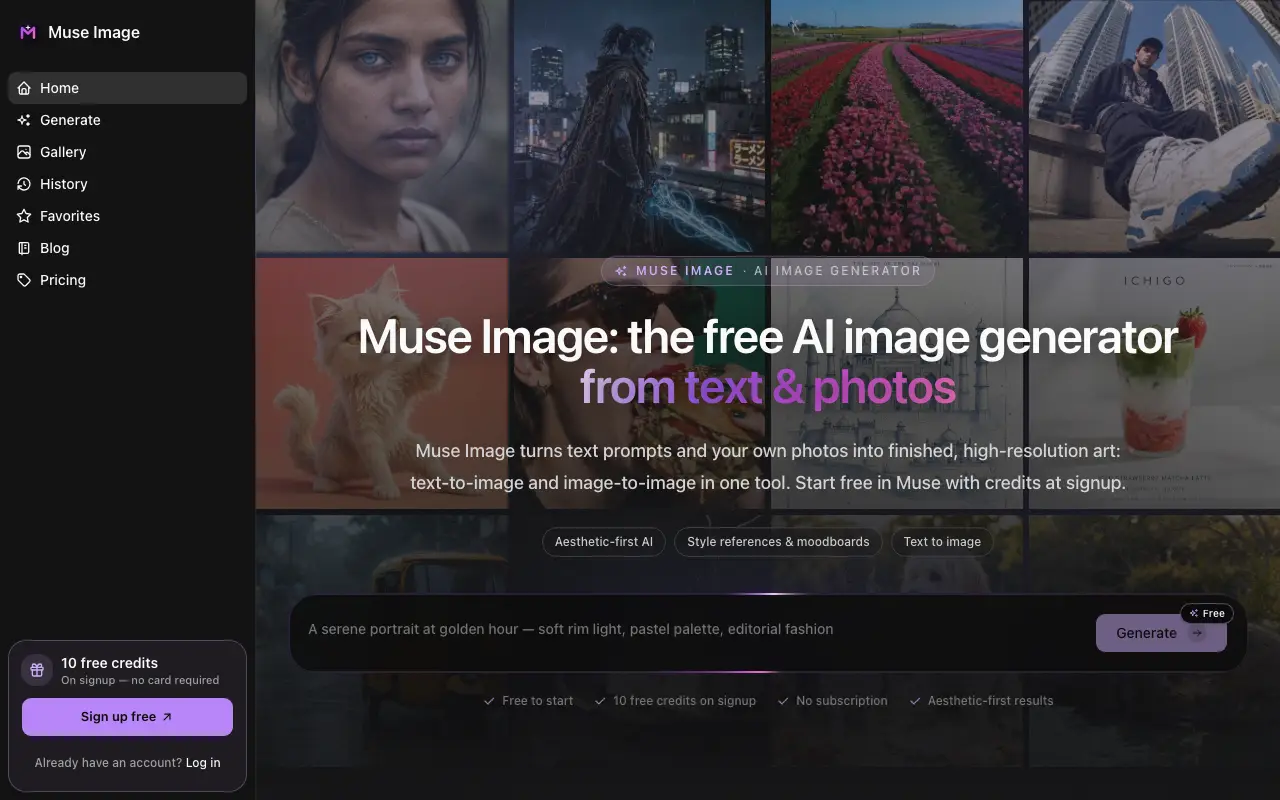
What is Muse Image?
Muse Image is an AI image generator built to focus on aesthetic quality and style control. It converts written prompts and uploaded photos into high-resolution digital art, ranging from cinematic scenes to detailed product photography.
The tool provides different model variants, including a Medium model for fast drafts and a Large model for high-detail final outputs. It is designed to avoid generic renders by focusing on refined, art-directed visual results.
How Muse Image works
The workflow begins by writing a text prompt and selecting a desired aspect ratio such as 1:1, 16:9, or 9:16. Users can then choose between model tiers and adjust creativity levels to determine how closely the AI follows the prompt. The platform also supports using visual references to guide color, texture, and mood during the generation process.
Who should use Muse Image
This tool is intended for creators, marketers, and studios that require high-quality visual assets for campaigns. It is suitable for those needing specific aesthetic control for concept art, editorial portraits, or professional product imagery.
Our take
Muse Image stands out due to its focus on aesthetic results and its ability to handle various aspect ratios for different social and professional formats. However, some advanced features like style references, moodboards, and creativity controls are listed as coming soon, which may limit full control for new users.
Muse Image key features
- Text-to-image generation from written prompts
- Image-to-image capabilities using uploaded photos
- Two model variants: Medium for drafts and Large for detail
- Five aspect ratio options including square and widescreen
- Style references to steer color and texture
- Built-in image editing for color correction and restoration
- Prompt gallery to browse and reuse community outputs
Who Muse Image is for
Muse Image pros and cons
Pros
- Focus on high-aesthetic and refined visual results
- Multiple aspect ratios for different platforms
- No recurring subscription required for credit packs
Cons
- Some advanced control features are still in development
- High-detail generation requires more credits
Muse Image pricing
Freemium, paid plans from $14.9/month. Users can start with free credits or purchase monthly subscription credit packs.
Prices last checked November 23, 2026. Always confirm on the official Muse Image website.
Muse Image FAQ
Is Muse Image free?
Yes, Muse Image offers 10 free credits upon signup with no credit card required.
What is Muse Image used for?
It is used for generating aesthetic portraits, cinematic scenes, product shots, and concept art.
Do credits expire?
Credits apply to render passes and never expire after purchase.
Can I use the images commercially?
Yes, commercial licenses are included with the Starter, Pro, and Ultimate plans.