What is Recraft?
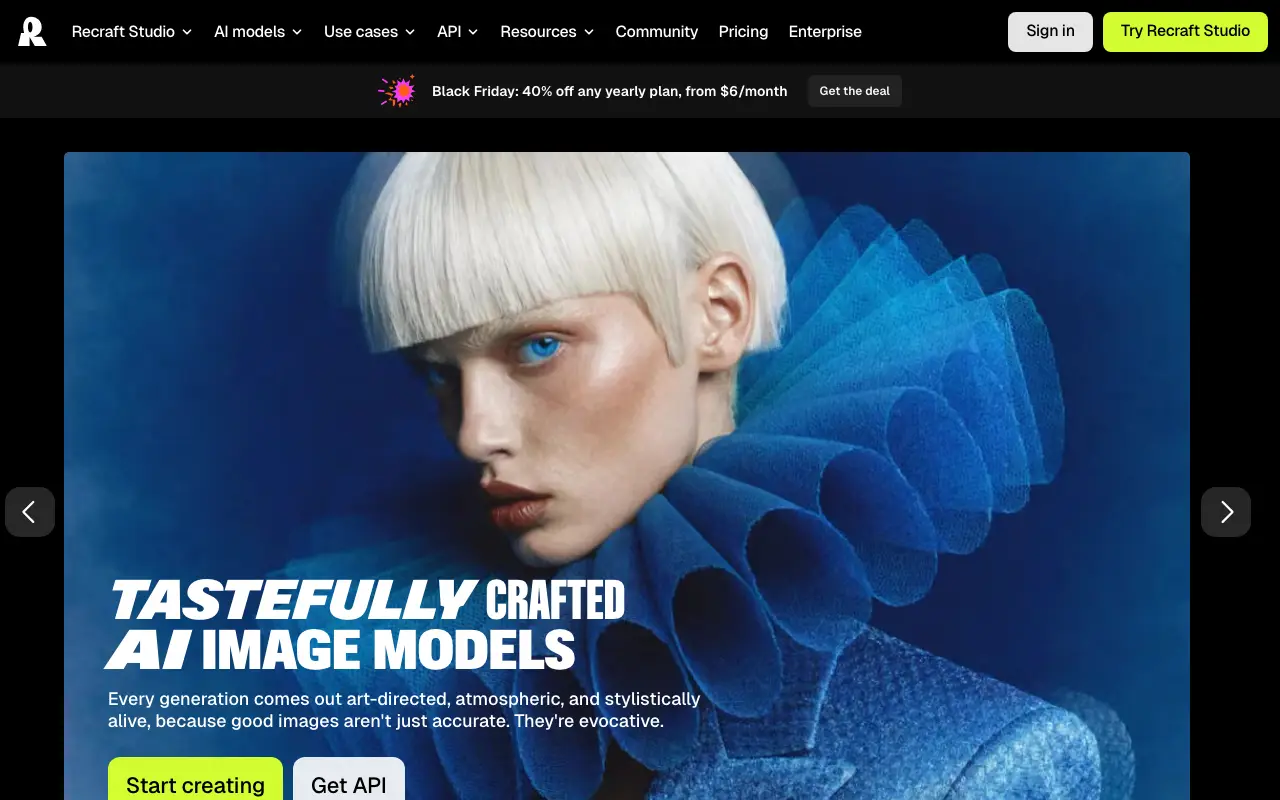
Recraft is a creative platform designed for designers, sellers, and teams to produce high-quality visual assets. It provides access to specialized AI models capable of generating photorealistic images and complex, editable vector graphics.
The platform includes a suite of tools for image manipulation, such as an upscaler, background remover, and an AI eraser. It also offers a studio environment where users can combine different frontier models to create production-ready graphic designs.
How Recraft works
Users interact with the Recraft Studio to generate assets using text prompts or by uploading reference images. The platform allows for the creation of custom styles by dropping in existing images, which the AI then turns into a reusable, editable style. Once an image or vector is generated, users can further refine it using built-in editing tools like the photo editor, mockup generator, or vectorizer to prepare the asset for professional use.
Who should use Recraft
This tool is built for professional designers, graphic artists, and creative teams who need consistent brand assets. It is also useful for marketers and e-commerce sellers who require logos, icons, and social media imagery. Because it supports vector generation, it is particularly helpful for those working in print or scalable digital design.
Our take
Recraft stands out due to its ability to generate editable vector graphics, a feature many other image generators lack. The ability to create custom styles without extensive training makes it efficient for maintaining brand consistency. However, users on the free plan do not own their generated images, as they are public and restricted from commercial use.
Recraft key features
- AI vector generator for complex editable graphics
- Custom style creation by uploading reference images
- AI photo editor and background remover
- Image upscaler for higher resolution assets
- Mockup generator for product visualization
- AI eraser for removing unwanted elements
- Programmatic access via the Recraft API
Who Recraft is for
Recraft pros and cons
Pros
- Generates images directly in vector format
- Easy custom style creation without training
- Includes professional design tools like upscalers and erasers
Cons
- Free plan images are public and not for commercial use
- Credit costs vary depending on the model and action used
Recraft pricing
Freemium, paid plans from $6/month. Annual plans are available starting from $6/month, with a 40% discount available during specific promotional periods.
Prices last checked November 23, 2026. Always confirm on the official Recraft website.
Recraft FAQ
Is Recraft free?
Recraft offers a free plan, but images generated on this plan are owned by Recraft, are publicly visible, and cannot be used commercially.
What is Recraft used for?
It is used for generating and editing images, vectors, mockups, logos, icons, and other graphic design assets.
Do I own the images I create?
Paid plans grant full ownership and commercial rights for all images generated while subscribed.
Can I use Recraft via API?
Yes, the Recraft API provides programmatic access to its image and vector generation capabilities.