
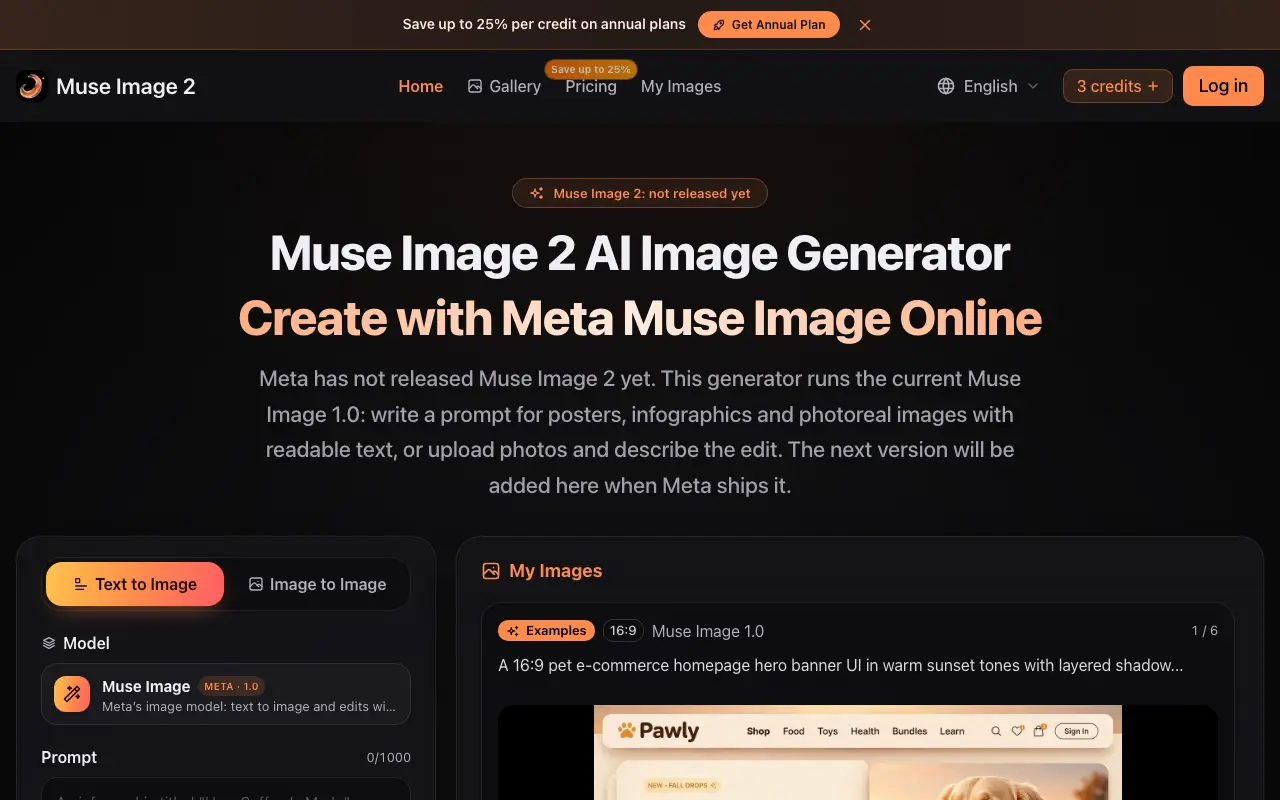
What is Muse Image 2?
Muse Image 2 is an online platform that currently runs Meta's Muse Image 1.0 model. While the site is named after the upcoming version 2, it provides access to the existing 1.0 model via third-party APIs. It is designed for generating high-quality images and performing precise edits.
The tool focuses on faithful prompt following and multi-photo composition. It allows users to generate infographics with legible text, create photorealistic portraits, or restyle existing images by changing their artistic direction while keeping the subject intact.
How Muse Image 2 works
Users begin by signing in with a Google account to access the generator. You can either write a text prompt describing a subject and layout or upload photos to use as references for editing. After selecting an aspect ratio between square and 21:9, you generate the image using credits. For edits, you can upload up to 10 photos and provide instructions to change specific elements like colors, lighting, or text while keeping the rest of the scene consistent.
Who should use Muse Image 2
This tool is suitable for e-commerce sellers needing product lifestyle scenes, marketers creating brand assets, and educators designing illustrated guides. It also serves designers and freelancers who require precise image editing or the ability to translate text within existing graphics.
Our take
Muse Image 2 offers a strong capability for rendering legible text within images, which is a common challenge for many AI generators. The ability to use multiple reference images for composition is also a significant technical advantage. However, the platform currently runs on version 1.0, and the namesake version 2 has not yet been released or announced by Meta.
Muse Image 2 key features
- Text-to-image generation from written prompts
- Image-to-image editing using up to 10 reference photos
- Legible text rendering for infographics and posters
- Precise color and material changes via hex codes
- Scene relighting to change time of day or mood
- Style transfer for sketches and existing photographs
- Eight different aspect ratio options
Who Muse Image 2 is for
Muse Image 2 pros and cons
Pros
- High accuracy in following long text instructions
- Capable of rendering readable text within generated images
- Supports multi-photo composition for complex edits
Cons
- Current version is Muse 1.0 rather than Muse 2
- Requires a credit-based system for all generations
Muse Image 2 pricing
Paid, paid plans from $4.9/month. Annual plans offer a savings of up to 25% per credit compared to monthly billing.
Prices last checked November 23, 2026. Always confirm on the official Muse Image 2 website.
Muse Image 2 FAQ
Is Muse Image 2 free?
New accounts receive free credits to try the model immediately.
What is Muse Image 2 used for?
It is used for text-to-image generation, precise photo editing, and creating images with legible text.
How many credits does an image cost?
Generating or editing an image costs 3 credits using Muse Image 1.0.
Can I use the images commercially?
Yes, the subscription plans include a Commercial Use License.